For accountants
A website for your accounting practice
Describe the practice in plain words. Spanli builds the site (services, sectors you serve, key deadlines, an enquiry form) as a draft you read, correct and only then publish. After that, changing a page takes a minute and no one's permission.
You type “A two-partner accounting practice in Portland - bookkeeping, year-end and payroll” - and Spanli assembles the site in front of you: opening, services and fees, the practice, enquiries. The changes receipt reads: Added: 4 sections - opening, services and fees, the practice, enquiries.


The product itself
This is the software, not a drawing of it
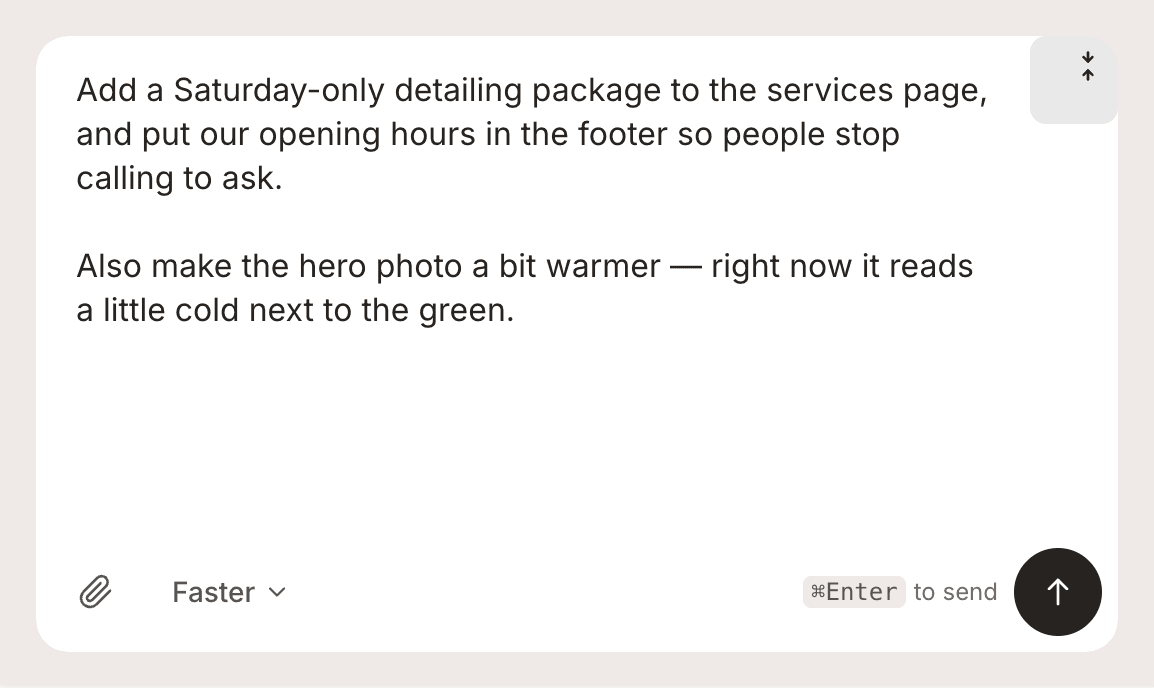
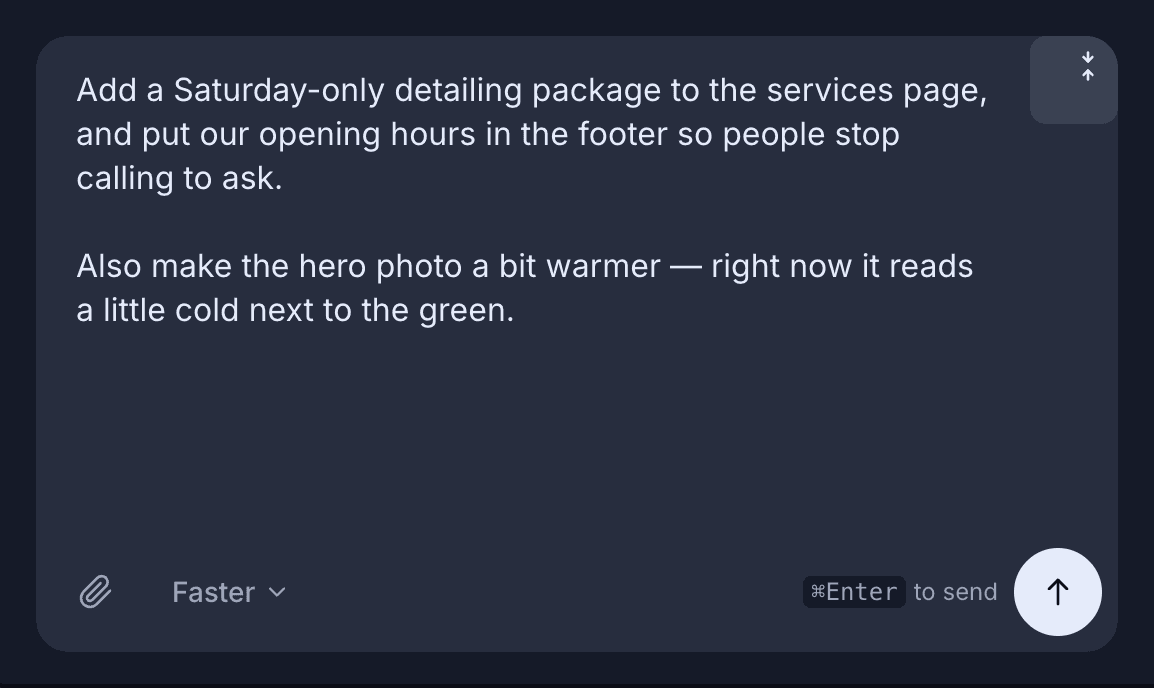
The chat is the editor
Type what to change. There is no separate editor to graduate into.
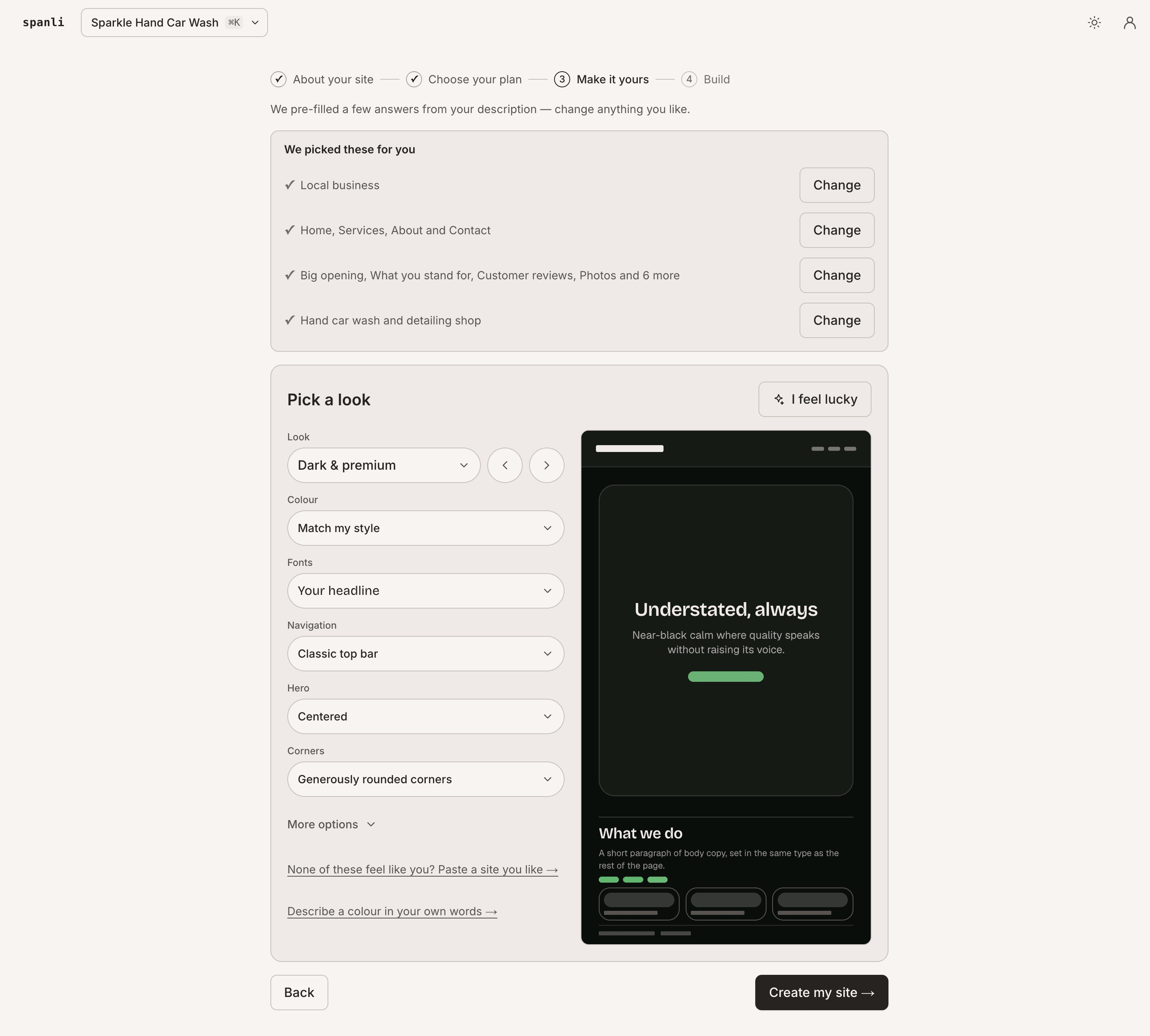
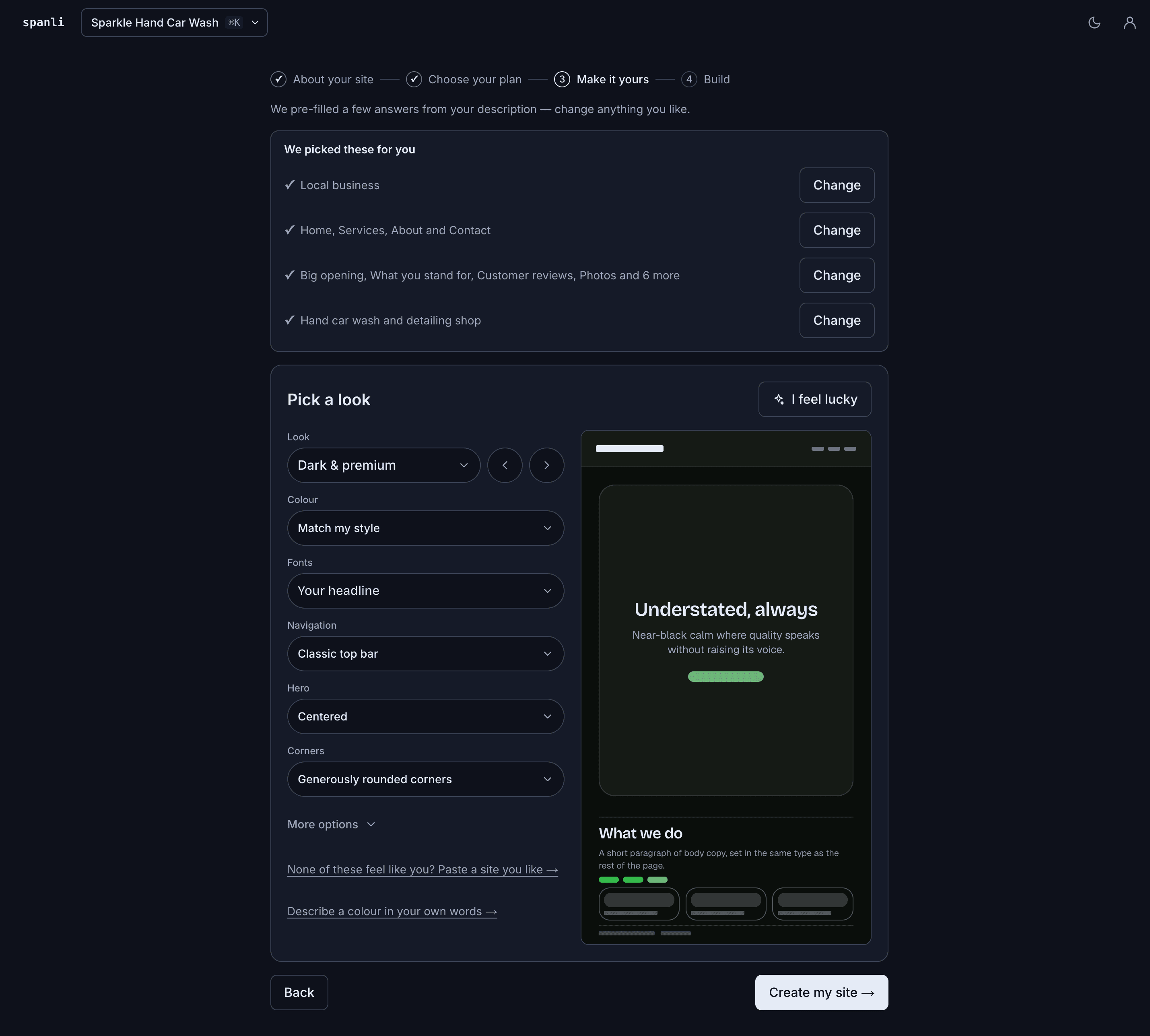
You set the look first
Colour, type, spacing and corners, previewed live before it builds.
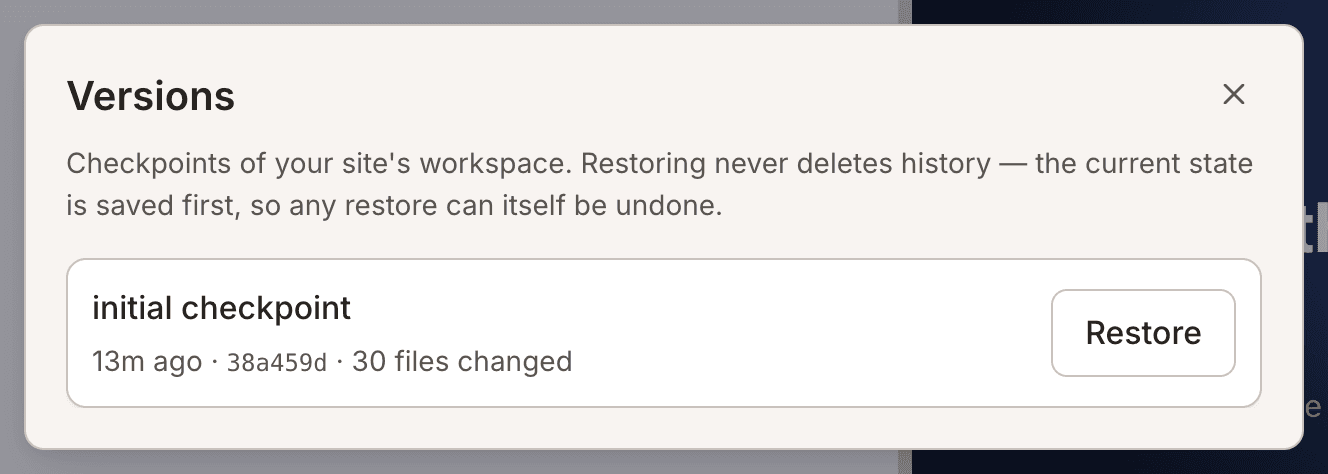
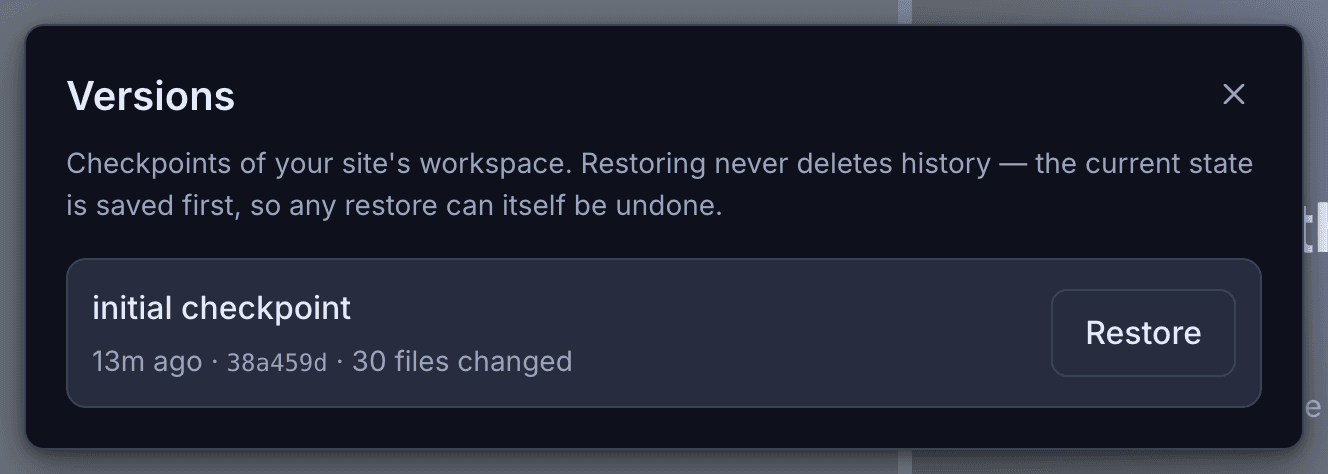
Every version is kept
Go back to how it was before a change, in one click.
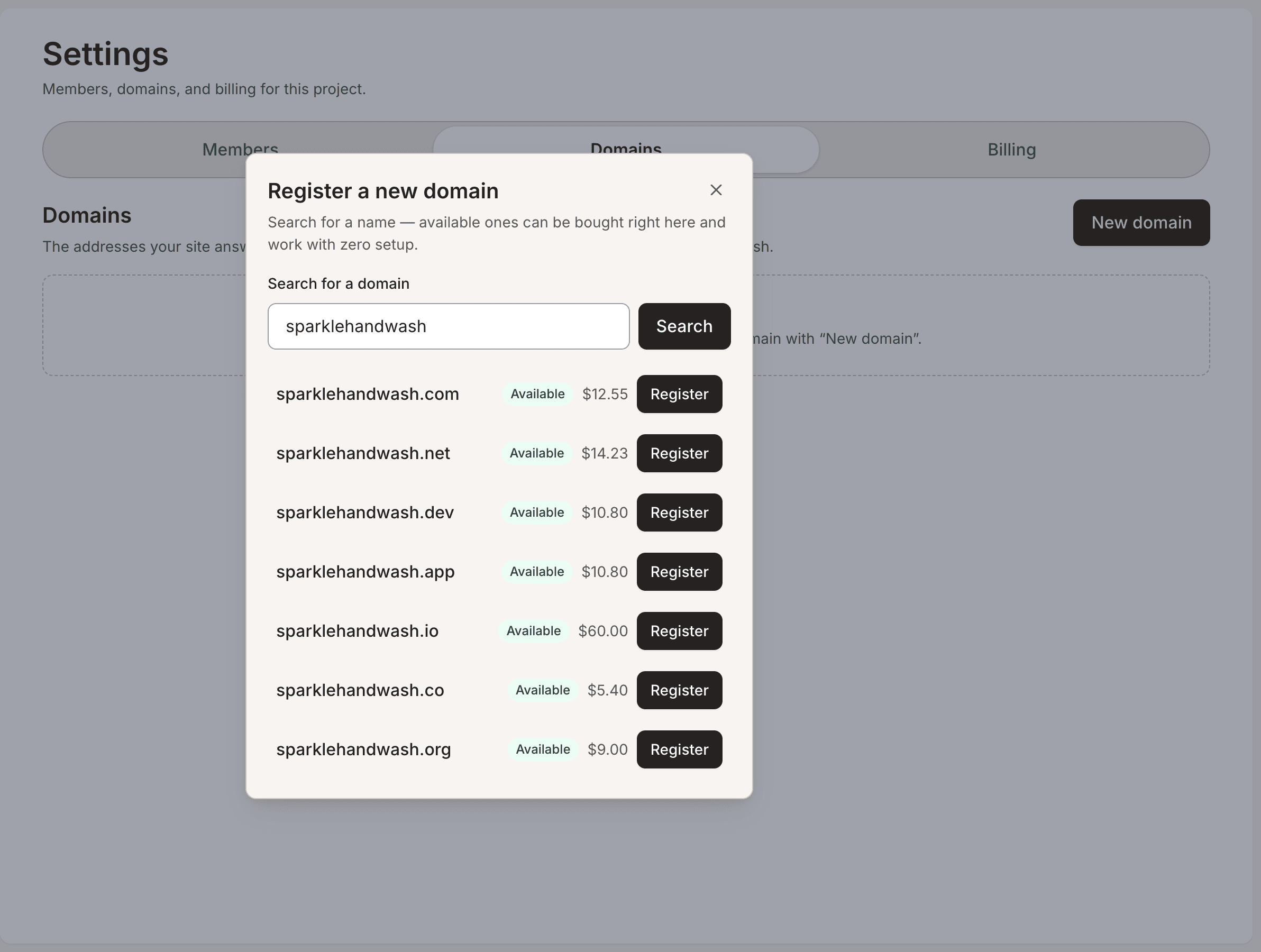
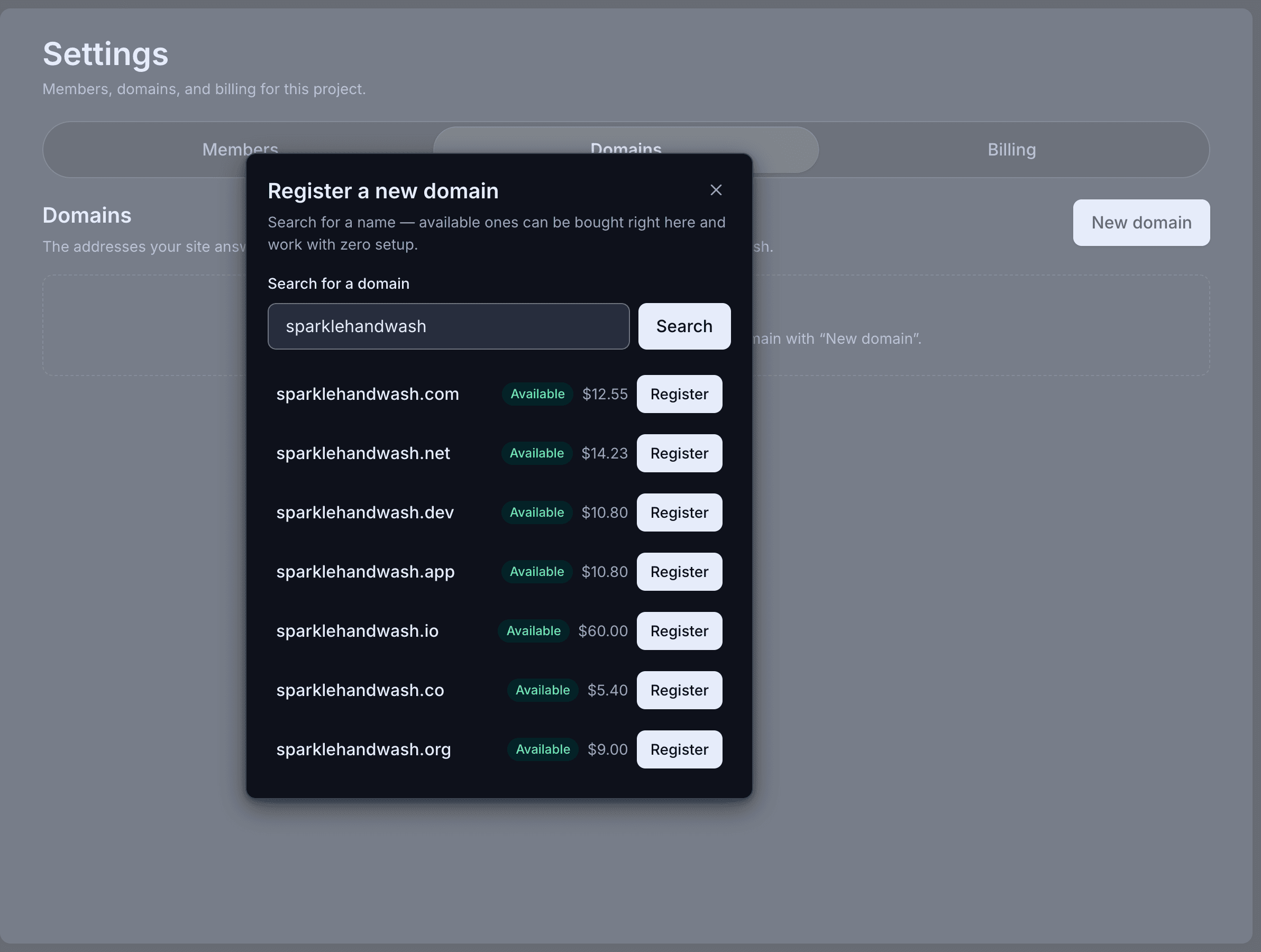
Your own address
Connect a domain you already own, or buy one here.
Sound familiar?
New clients look you up in the week before a deadline, and what they find is a directory listing and a phone number.
The practice's own site still names a service you stopped offering two years ago; fixing it means finding whoever built it. The work is precise and current. The website is neither.
How it works
What Spanli does about it
In the demo beside each claim: the site Spanli built; then the new-client consultation line being corrected - you click it, type “first consultation is free”, and $90 becomes No charge; then new enquiry arriving in the Spanli inbox.
A draft first, always
Spanli writes from what you tell it and shows you the result before anything is public. Nothing is published until you publish it, and every sentence is yours to correct.
Services and sectors you maintain in-house
A new service line, a changed fee basis, a sector you've started serving. Edited like filling in a form, published the same afternoon.
Enquiries handled properly
The form takes a name, a way to reach them, and what they need help with; it waits in your dashboard for whoever handles new business.
Everything on it
What your practice's site includes
A deadline page clients actually use
Tax filing dates and reminders for the year, laid out plainly: the page clients bookmark and the reason they come back to your site between engagements.

Roles that match how a practice works
The office manager edits, a colleague sees billing, nobody shares a password. Access is granted and removed cleanly.
Pre-chosen, and you remove what doesn't belong on a practice's site
- An opening that states the practice and its services
- Who you work with: the sectors and business sizes you know
- Services and fee basis
- Key dates and deadlines for the year
- The practice's background and credentials, described in your words
- Office location and hours
- An enquiry form that reaches the right person
Two ways in
Start from what you already have
Describe door
The describe door fits most practices, from a solo CPA to a full firm: a paragraph about the services, the clients you serve, and the people.
Modernize my site
Have a site you'd rather modernise than replace? "Modernize my site" reads it from its address and rebuilds it as something current, keeping the wording you've already approved once.
Make it yours
Before the first build, you set the look.
- Quietly exceptionalElegant & refined
- The story, up frontBold & editorial
- Take a breathSoft & calm
- Built for the nightSleek & dark
- An evening to rememberGlamorous & vintage
- The season, consideredFashion magazine
In case you're wondering.
Will the AI invent things about the practice?
It writes from what you give it, and everything it writes is a draft you read first. Nothing reaches the public site until you publish it, and any line can be rewritten by telling it what's wrong. Treat it as a first draft from a competent writer who has never met your practice, because that's what it is.
What should the enquiry form ask for?
Enough to route the enquiry and no more: name, contact, and roughly what they need (bookkeeping, year-end, payroll, advice). Submissions land in your Spanli dashboard, visible to the people you've invited. We'd advise against inviting financial detail through a website form, and the default wording doesn't.
Can we publish fees?
Yes, in whatever form you use: fixed fees, monthly packages, hourly rates, or a fee basis described in words. It's text you edit and publish yourself.
Can more than one person maintain it?
Yes. Invite colleagues as editors; billing stays with whoever holds it. Access can be withdrawn without rebuilding anything.
What does it cost?
Every new site starts with 80 free credits. Describe your site, watch it appear, and look at it as much as you like, with no card. Choose a plan when you want it online at your own address.
Ready to see your website?
Describe your business and watch it come to life. Start with 80 free credits - no credit card required.