For dental clinics
A dental clinic website you can change yourself
Describe your practice in ordinary words. Spanli builds the site: treatments, fees, opening hours, photos of the practice, your team, and a new-patient enquiry form. You edit any line of it afterwards without phoning anyone.
You type “A family dental practice in Madison, unhurried appointments, nervous patients welcome” - and Spanli assembles the site in front of you: opening, treatments and fees, the practice, new patient enquiry. The changes receipt reads: Added: 4 sections - opening, treatments and fees, the practice, new patient enquiry.
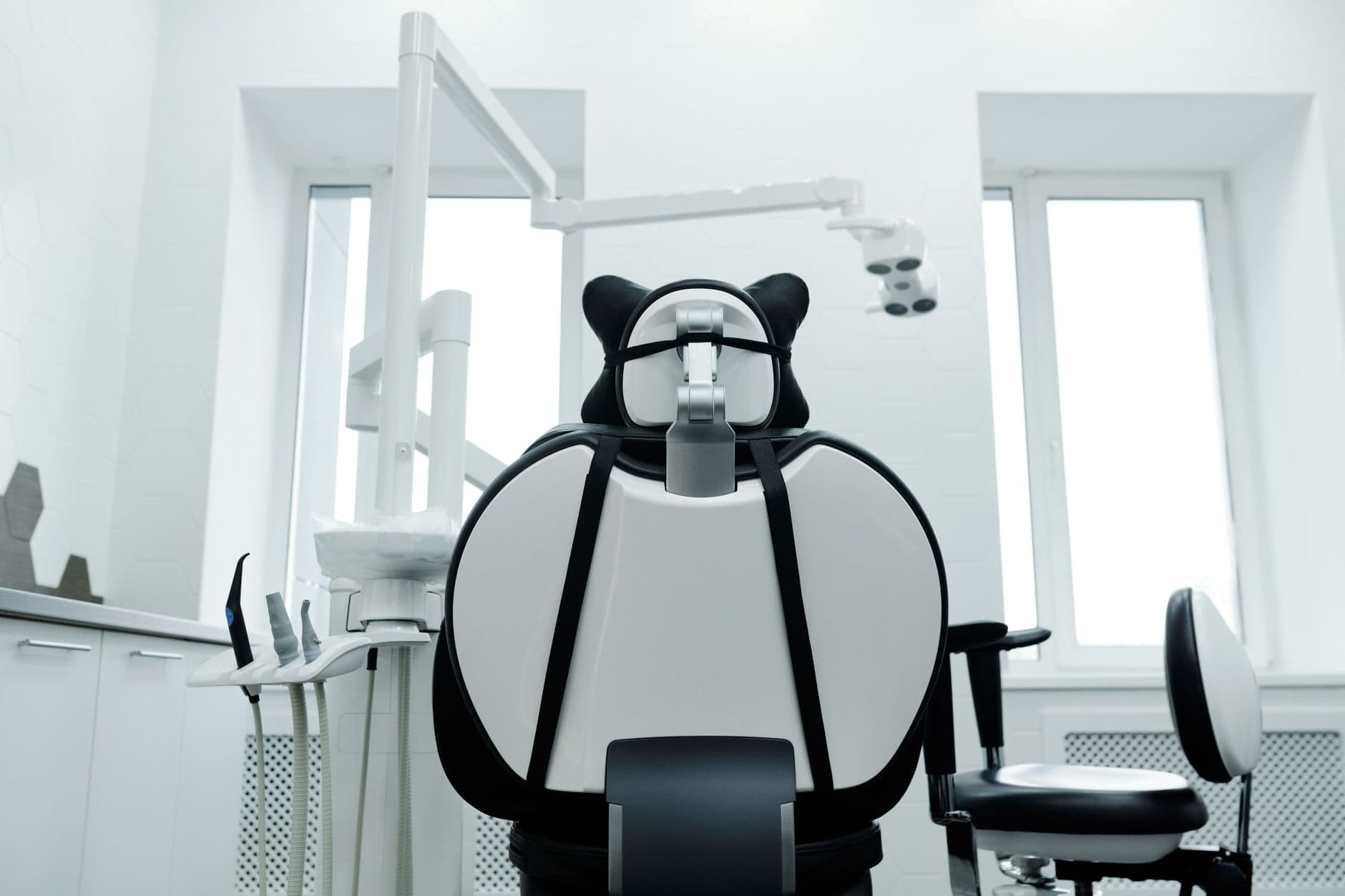
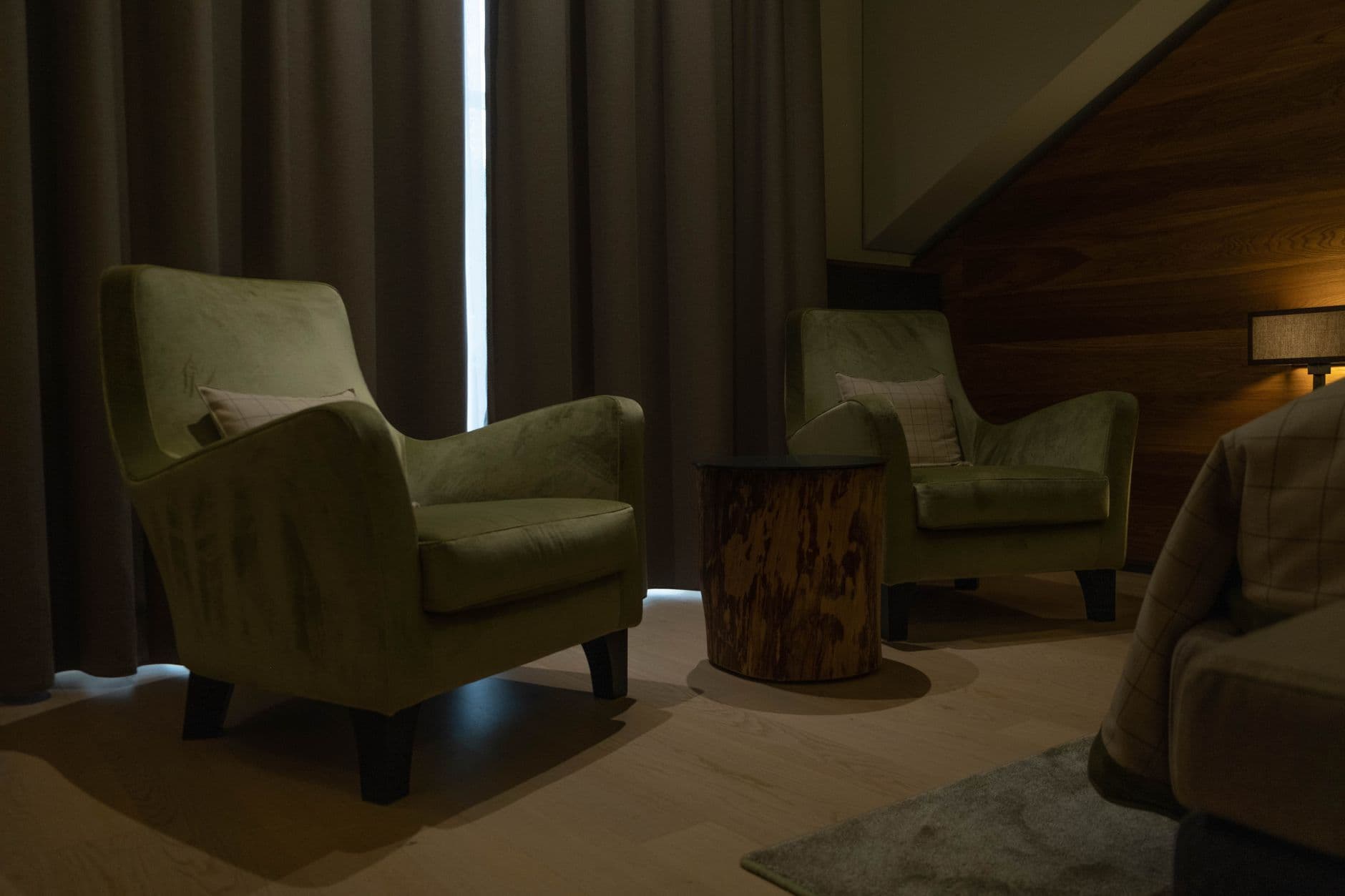
Sound familiar?
Someone nervous is deciding, right now, whether to call you.
What they find is a directory listing with a stock photo of very white teeth and opening hours that were true in 2021. The agency that built your site charges monthly and takes a week to change a sentence. Your practice software runs the clinic beautifully and has nothing to say to the outside world.
How it works
What Spanli does about it
In the demo beside each claim: the site Spanli built; then the hygienist, 30 min line being corrected - you click it, type “hygienist is 75”, and $85 becomes $75; then new patient enquiry arriving in the Spanli inbox.
Plain description in, finished site out
"Family dental practice, four surgeries, general and cosmetic, we're gentle with nervous patients" is enough to build a first draft while you watch.
Treatments and fees you keep current
A fee guide edited like a form and published the same afternoon. No support ticket, no invoice for a sentence.
New-patient enquiries in one place
The form takes a name, a way to reach them, and what they're asking about; it waits in your Spanli dashboard for whoever handles the phones.
Everything on it
What your practice's site includes
A calm, current look
Choose the feel (colour, typeface, spacing, how much movement) from a panel where every choice previews live. Nothing shouts.
Your practice manager can run it
Invite them as an editor: they change hours and text, and never see your billing.
It's all pre-chosen; you remove what doesn't apply
- A composed opening that says who you look after and where
- What the practice stands for: unhurried appointments, clear costs, nervous patients welcome
- Treatments and fees
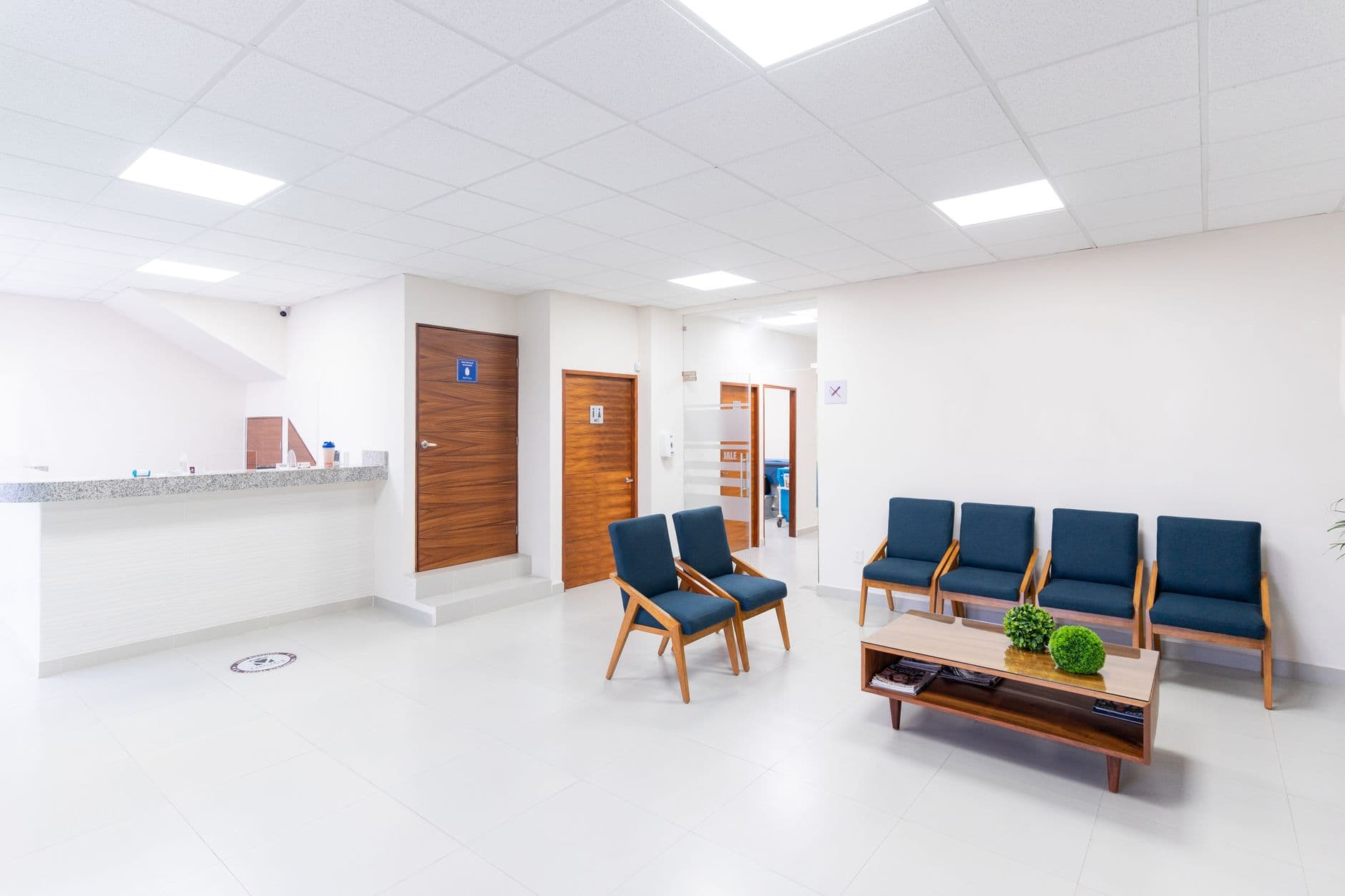
- Photos of the practice
- Patient reviews
- Your dentists, hygienists and nurses, if you want them named
- Where you are, opening hours and parking
- A new-patient enquiry form
Two ways in
Start from what you already have
Describe door
Most practices use the describe door: a few sentences about the practice and your own photos of the reception and surgeries, uploaded at the first step with a note about each.
Modernize my site
Already have a site you've outgrown? "Modernize my site" reads it from its address and rebuilds it as something current, keeping what it says about you.
Make it yours
Before the first build, you set the look.
- Quietly exceptionalElegant & refined
- The story, up frontBold & editorial
- Take a breathSoft & calm
- Built for the nightSleek & dark
- An evening to rememberGlamorous & vintage
- The season, consideredFashion magazine
In case you're wondering.
Can patients book appointments through the site?
No. Spanli doesn't run an appointment system and won't pretend to. Keep whatever your practice already uses. The site's form is a first enquiry: name, contact, what they're asking about. It lands in your dashboard and your reception team books it the usual way.
What about patient information? Is this the right place for it?
The form is for first contact, not clinical detail, and we'd say the same to any practice: don't ask for medical history on a public form. Spanli isn't a records system. Enquiries go to your dashboard, visible to the people you've invited and nobody else.
Can we publish our fee guide?
Yes, and keeping it accurate is the easy part: fees are text you edit like filling in a form, published in seconds. Change one number without touching anything else.
Can we show the team without a photoshoot?
The team section is optional and off unless you ask for it. Turn it on when you have photos you like; leave it off and the site reads fine.
What does it cost?
Every new site starts with 80 free credits. Describe your site, watch it appear, and look at it as much as you like, with no card. Choose a plan when you want it online at your own address.
Ready to see your website?
Describe your business and watch it come to life. Start with 80 free credits - no credit card required.