For consultants, freelancers, and anyone who went independent
Turn your LinkedIn profile into a real website
You already wrote it all down — what you do, who you do it for, where you’ve worked. Paste your profile and get a website back, in your own words, in minutes. Then change anything by typing a sentence.
80 free credits to start, no card needed. New customers go live for $1 the first month, then $9/month.
No card. Takes about as long as making a coffee.
You type “An operations consultant in Zurich working with scale-ups on delivery and process” - and Spanli assembles the site in front of you: opening, services and rates, how i work, start a conversation. The changes receipt reads: Added: 4 sections - opening, services and rates, how i work, start a conversation.


The product itself
This is the software, not a drawing of it
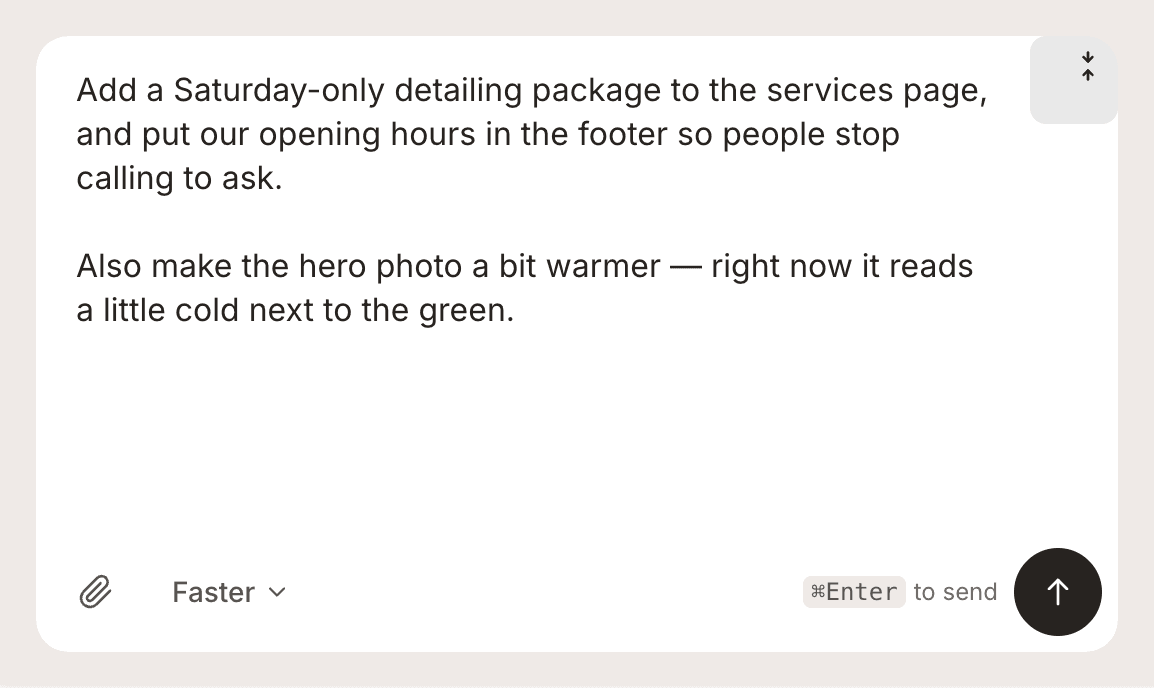
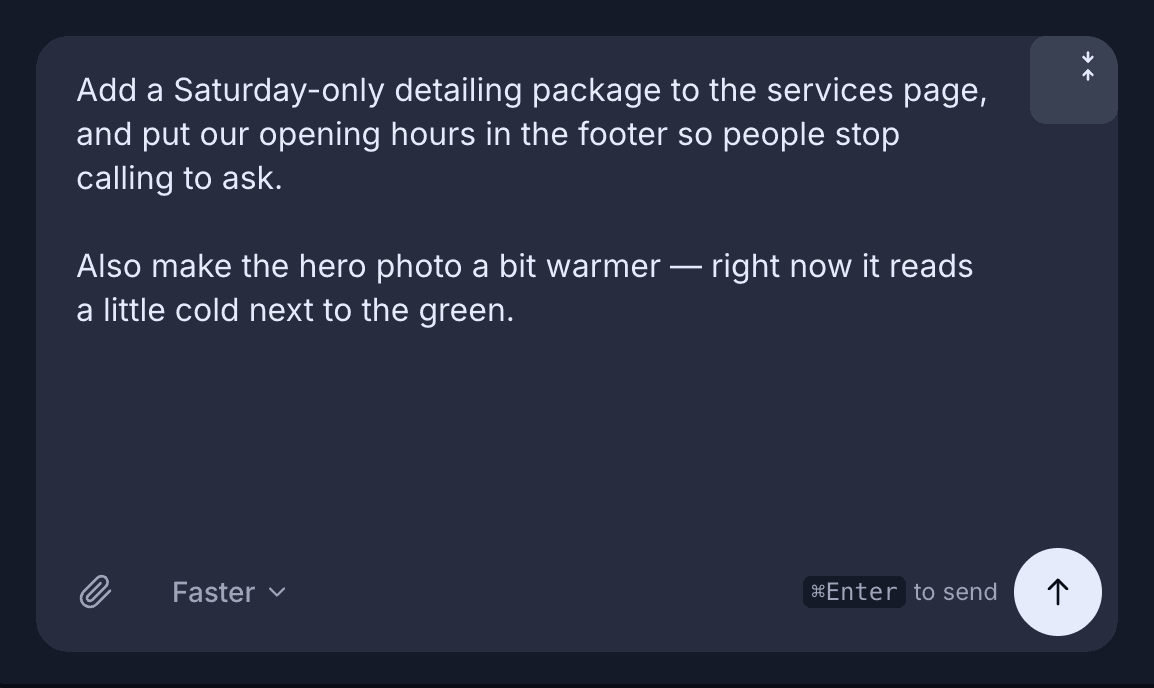
The chat is the editor
Type what to change. There is no separate editor to graduate into.
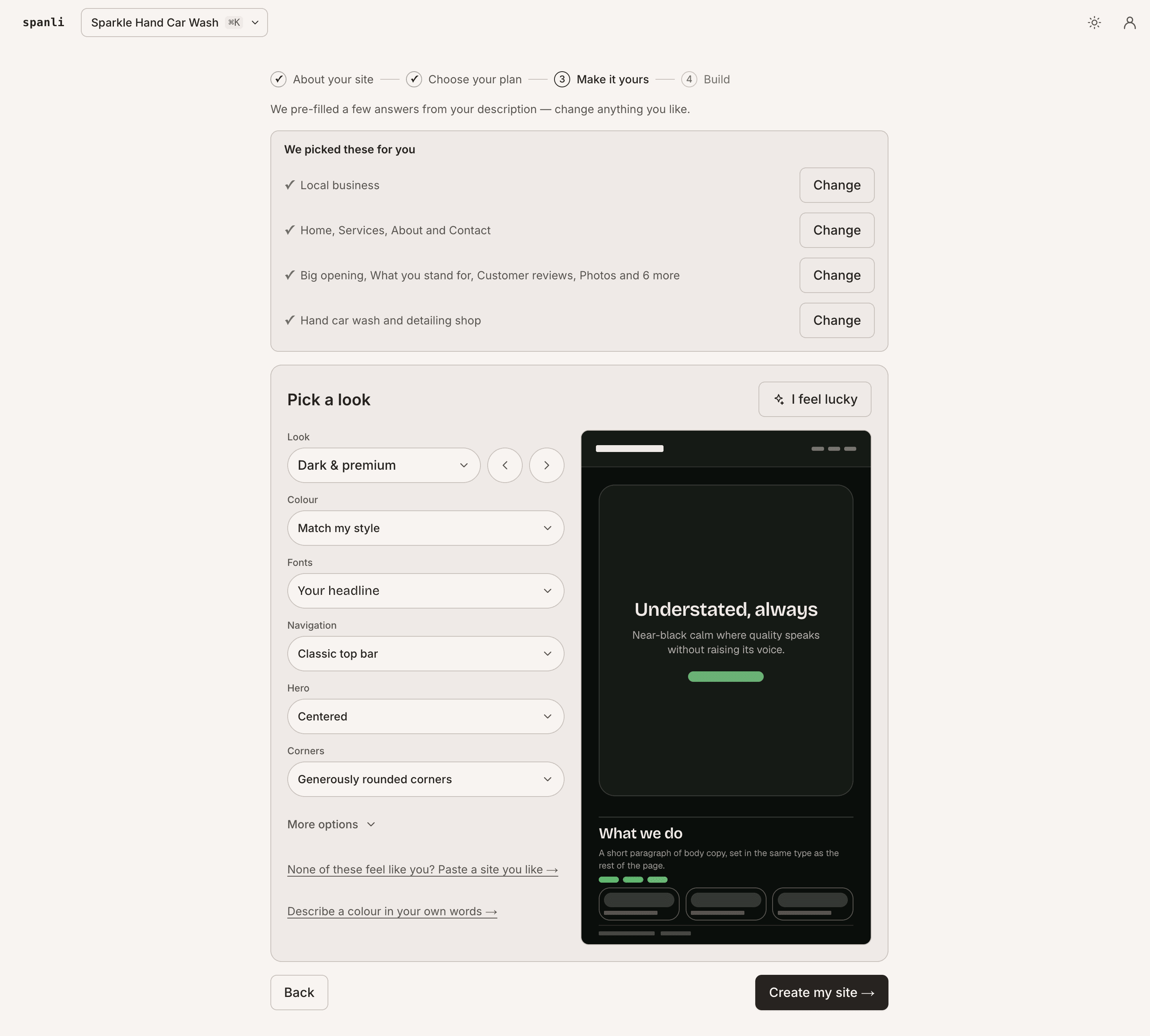
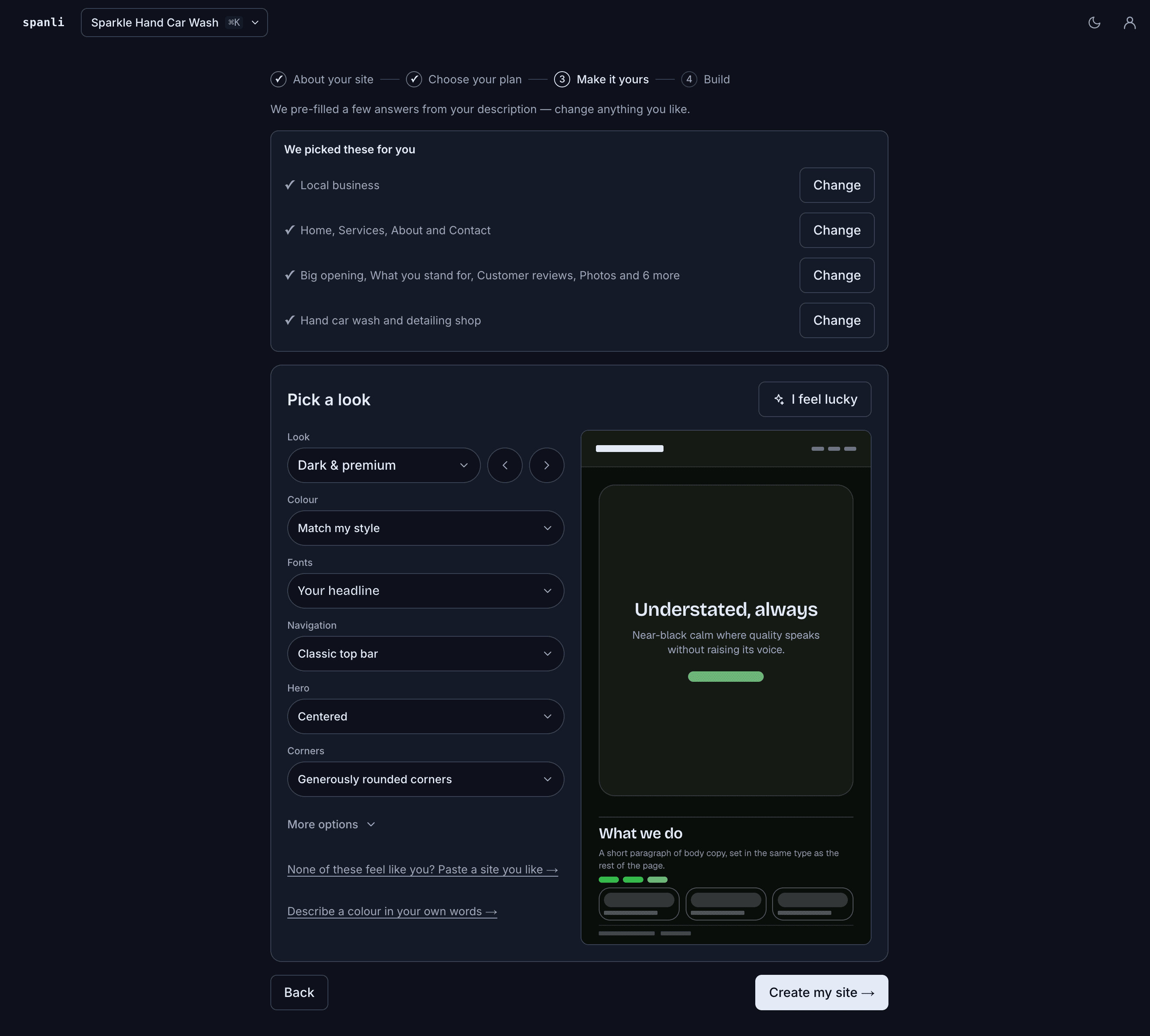
You set the look first
Colour, type, spacing and corners, previewed live before it builds.
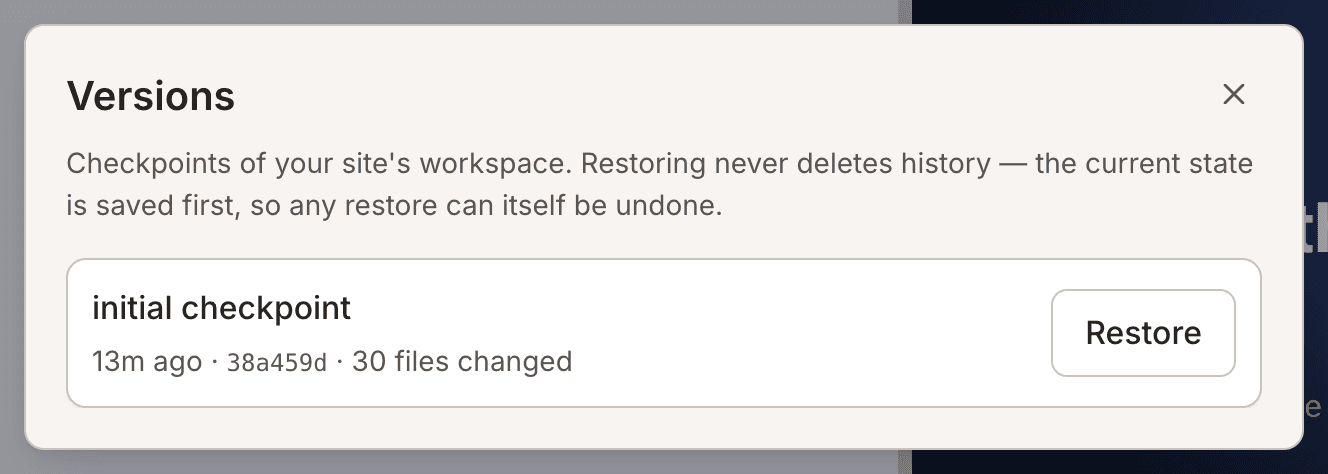
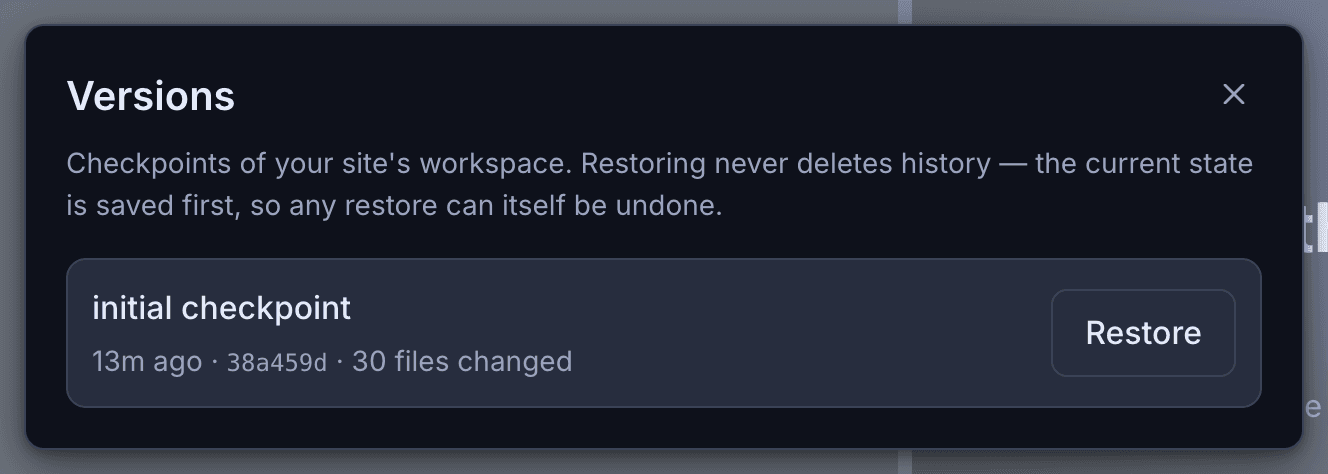
Every version is kept
Go back to how it was before a change, in one click.
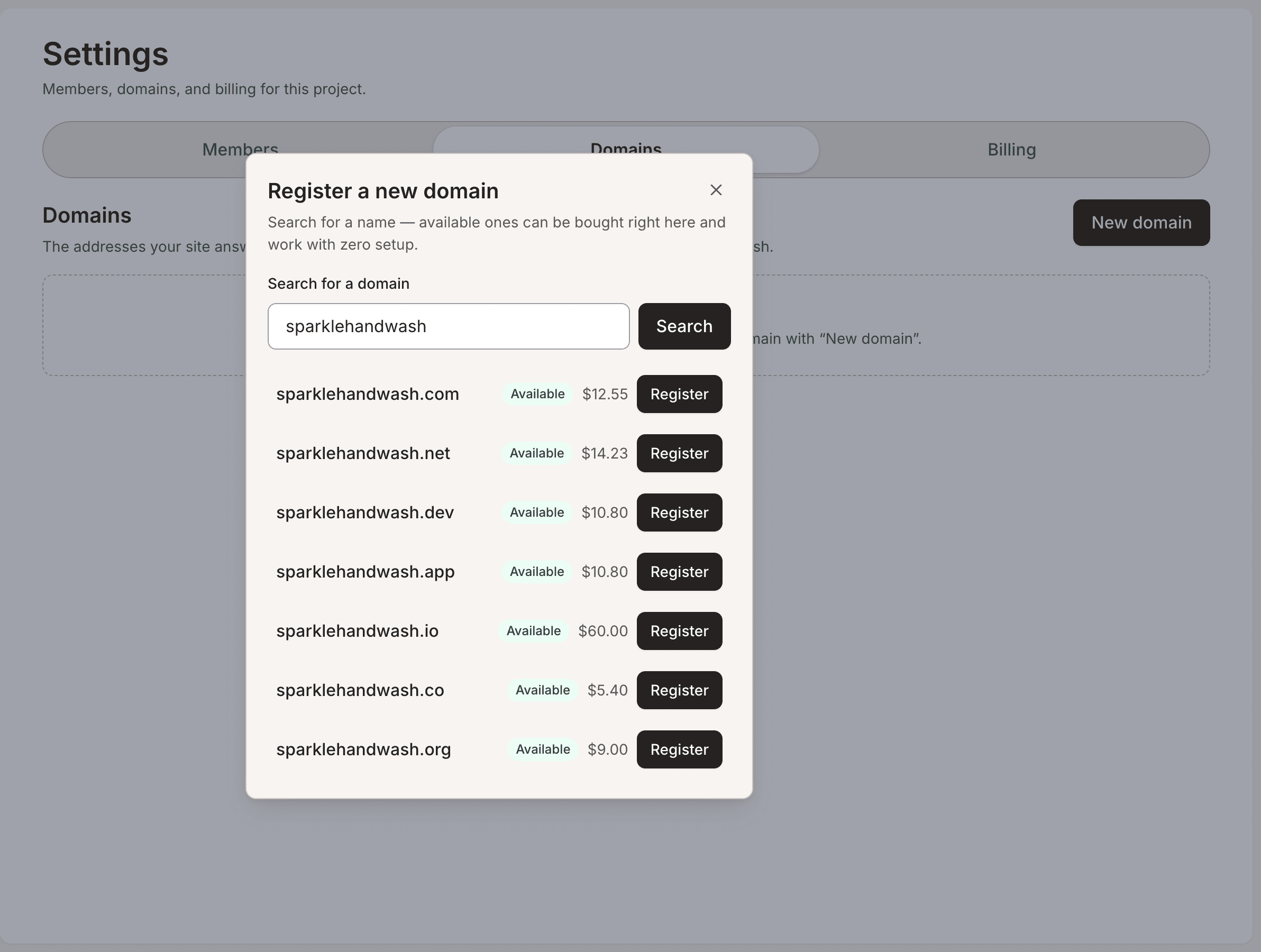
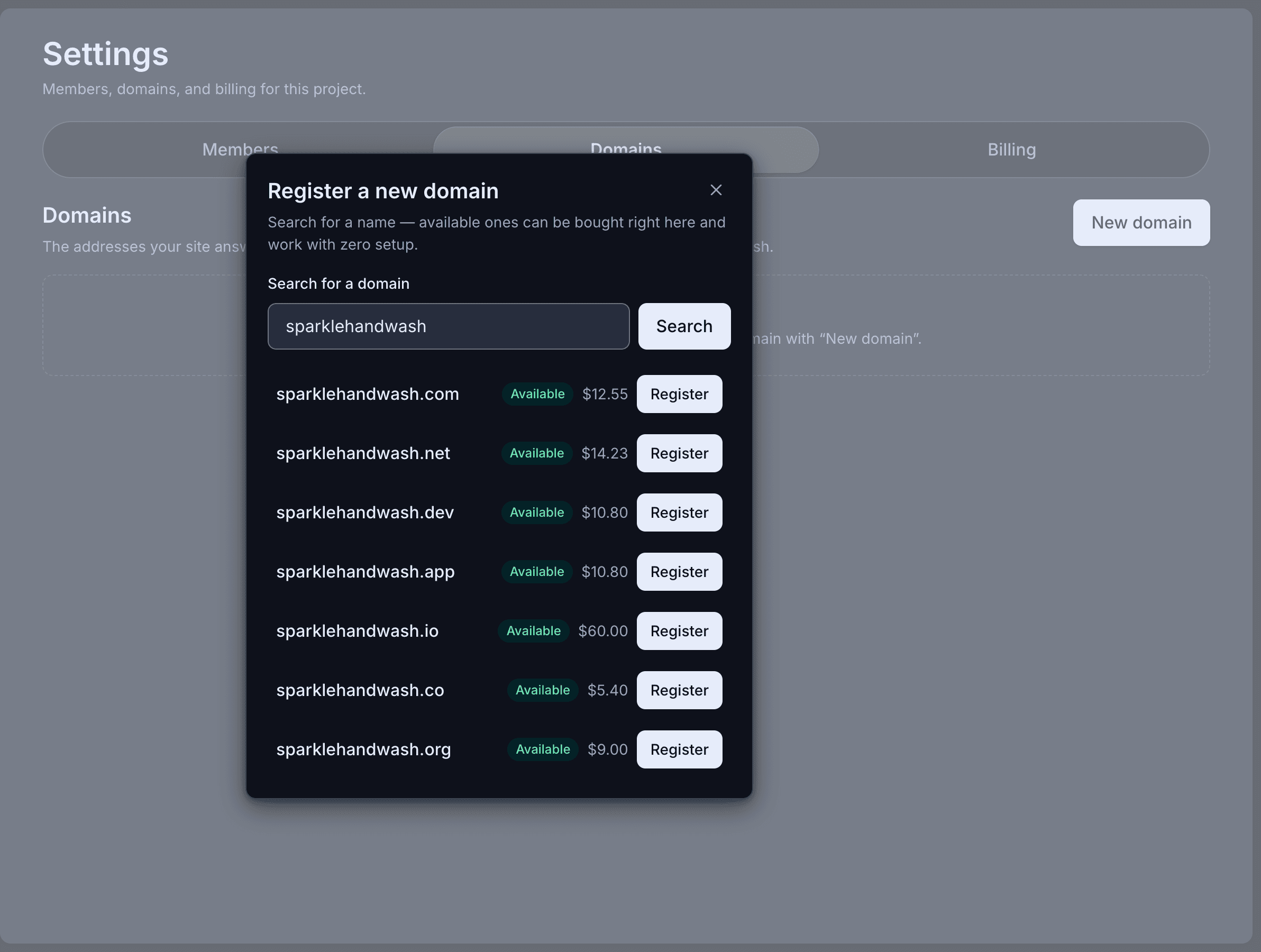
Your own address
Connect a domain you already own, or buy one here.
The problem, named
“Do you have a site I can look at?”
And the honest answer was a LinkedIn URL. Which is fine, except it's also everyone else's answer, and it sits on someone else's page, next to someone else's ads, in a layout you don't control.
You've probably already tried: the Notion page with a custom domain. The Carrd one-pager. The half-finished Framer file you open every three months and close again. The one that died on a DNS settings screen.
None of those failed because you're lazy. They failed because they all started by asking you to write about yourself on an empty page.
What actually happens
Paste, watch, correct
In the demo beside each claim: the site Spanli built; then the discovery call line being corrected - you click it, type “discovery calls are free”, and CHF 250 becomes No charge; then new enquiry arriving in the Spanli inbox.
Paste your profile.
Headline, about, roles, skills — it's read the way a person would read it, and a real site comes back: what you do, who it's for, proof in your own language, and a way to reach you.
You fix what's off.
“That's my old title.” “Lead with the fintech work.” “Make it warmer.” Point at the line, say it in your words, and it changes while you watch.
Then work can find you.
Every site comes with a contact form that emails you when someone fills it in. The next “do you have a site?” gets a link — and the enquiry lands in your inbox.
The first draft is a starting point, not a verdict. Most people spend ten minutes telling it what to fix, and that's the site.
No card. 80 free credits to start.
What you get
What you end up with
A site you're not embarrassed to put in a proposal
Built from your words, designed properly, fast, and right on a phone — your name, on your own domain, in your email signature.

Changes forever after by typing
Not by learning an editor, not by paying a retainer. New rate, new role, new focus — say it, see it, publish it.
And the practical things, included
- Your own domain — connect one you own, or buy one here
- A contact form that emails you when someone fills it in
- No ads, no watermark, nobody else's badge on your page
- 80 free credits to start, then $1 for a new customer's first month and $9/month after
Make it yours
No template gallery. You set the look.
- Quietly exceptionalElegant & refined
- The story, up frontBold & editorial
- Take a breathSoft & calm
- Built for the nightSleek & dark
- An evening to rememberGlamorous & vintage
- The season, consideredFashion magazine
80 free credits to start, no card needed. New customers go live for $1 the first month, then $9/month.
The three things consultants ask
Won't it look like a template — my whole pitch is that I'm not generic.
I hate writing about myself.
What does it actually cost?
Your profile is already the brief
80 free credits to start, no card needed. New customers go live for $1 the first month, then $9/month.