For cafés & bakeries
A café website that keeps up with the counter
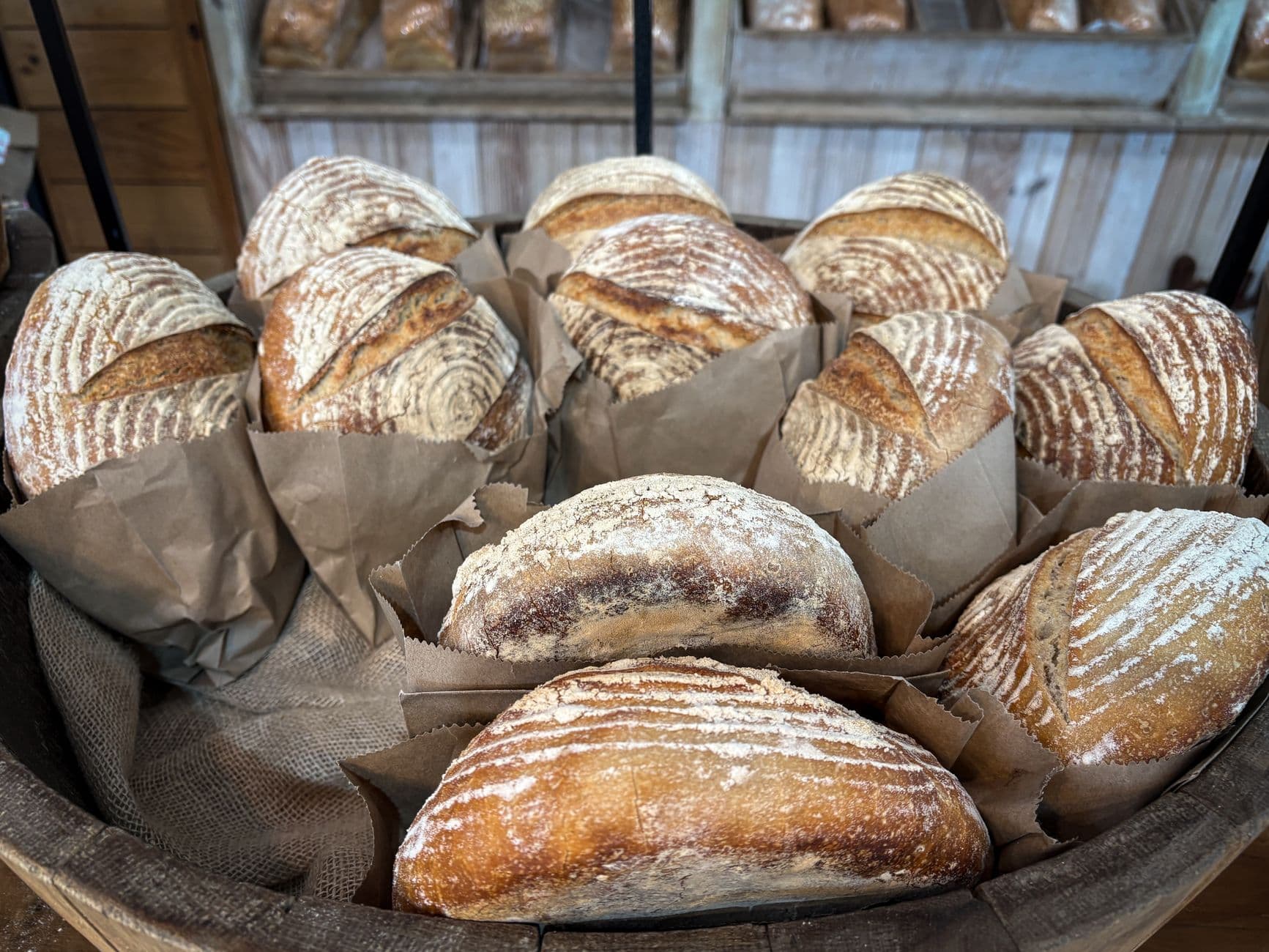
Describe what you bake and who comes in. Spanli builds the site: what you serve, your hours, photos, and one form for the custom orders. What you serve stays something you change in a minute between batches.
You type “A sourdough bakery in Bristol, open from seven, custom orders by the tray” - and Spanli assembles the site in front of you: opening, this week, from the counter, custom orders. The changes receipt reads: Added: 4 sections - opening, this week, from the counter, custom orders.
Sound familiar?
Everything you sell changes by Thursday.
The sourdough is gone by eleven, the seasonal thing has ended, and you're closing early on the holiday nobody remembers. All of it is on a chalkboard that nobody outside the door can read. Meanwhile "do you do custom cakes?" arrives fifteen times a week in DMs, mixed in with spam and story replies, and you answer them standing up at eleven at night.
How it works
What Spanli does about it
In the demo beside each claim: the almond croissant line being corrected - you click it, type “croissants are 3.80 now”, and £4.20 becomes £3.80; then new order enquiry arriving in the Spanli inbox; then the site Spanli built.
What you serve is editable, not decorative
Add a bake, change a price, take something off. A form, then publish. Daily if you want, from your phone, with flour on your hands.
Custom-order enquiries in one place
The form asks who they are, what they want and when they need it, and every reply waits in one list in your dashboard. Not a DM thread. Not fifteen threads.
Built in an evening, not a project
Describe the place and watch the first version build. If choosing anything at all is the problem, "I feel lucky" decides the lot and shows you every decision.
Everything on it
What your site includes
Hours that tell the truth
"We're closing at two on Sundays now" typed in plain words is a site change. Holiday hours the same.
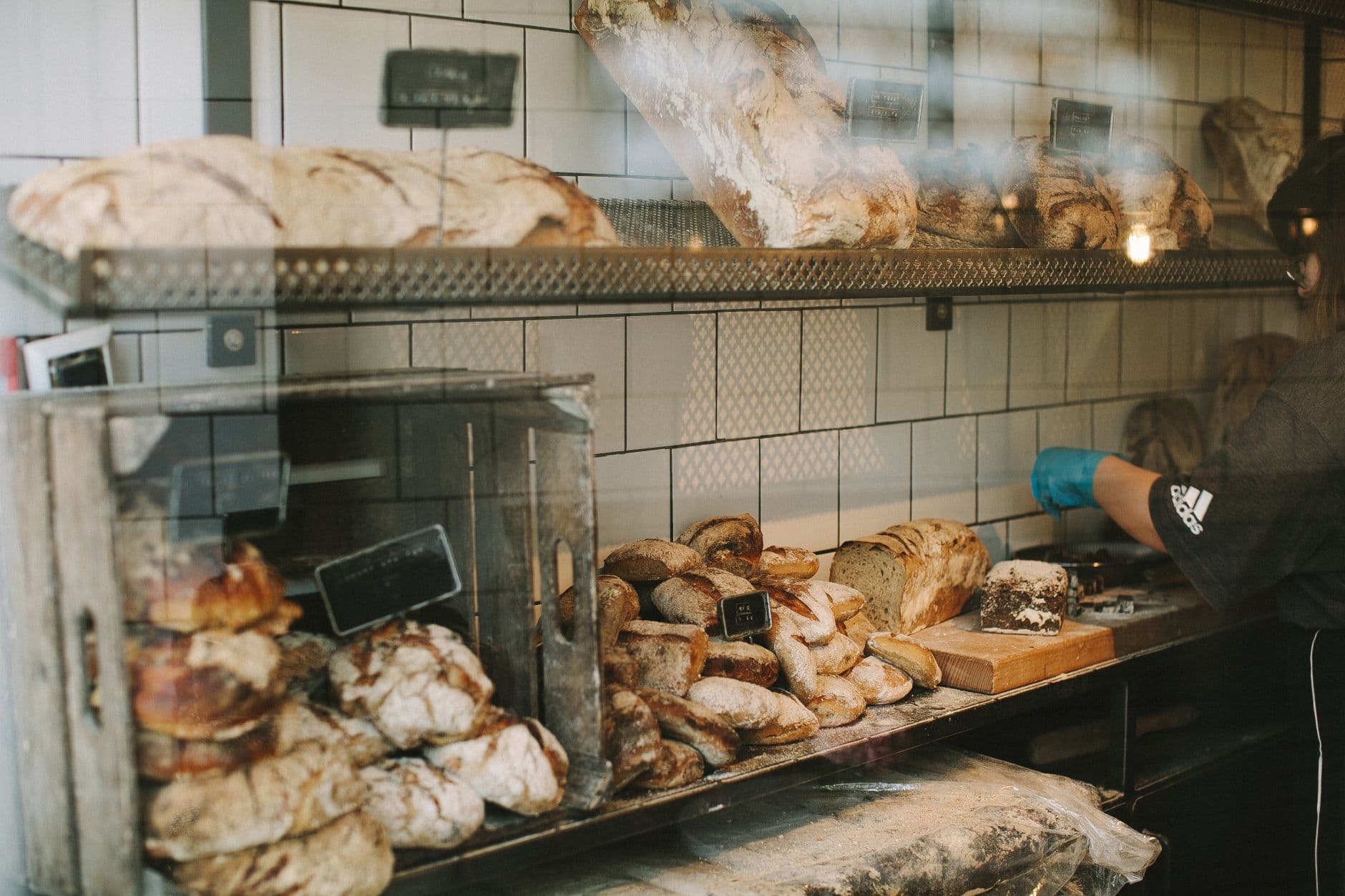
Your photos, shown properly
Add them at the very first step with a note about each ("this is the window", "these are the cardamom buns") and Spanli puts them where they belong.
Everything's on by default. You remove what doesn't apply instead of starting from a blank page
- A warm opening image
- What you serve, in sections with prices
- Photos of the counter, the room, the bakes
- What regulars say
- Your hours and how to find you
- An enquiry form for custom orders and questions
Two ways in
Start from what you already have
Describe door
The describe door and your photos is the usual route: two sentences about what you bake and who comes in.
Make me something like this site
Café you love the feel of? "Make me something like this site" borrows the mood and none of the words. Old site from when you opened? "Modernize my site" rebuilds it from the address.
Make it yours
Before the first build, you set the look.
- Quietly exceptionalElegant & refined
- The story, up frontBold & editorial
- Take a breathSoft & calm
- Built for the nightSleek & dark
- An evening to rememberGlamorous & vintage
- The season, consideredFashion magazine
In case you're wondering.
Can people order or pay on the site?
No, and that's deliberate for a shop your size. The site takes an enquiry (what they want, when they need it, how to reach them) into one list, and you reply the way you already do. No checkout to configure, no percentage taken.
Our menu changes constantly. Isn't that a nightmare?
That's the reason it's built this way. What you serve is content you edit like a form, so a Thursday change is a minute on your phone rather than an email to whoever built the site.
I only have phone photos.
That's what most cafés have and it's fine. Add them at the first step with a note about what each one is, and they get used where they suit. Where you're short, Spanli can pull in beautiful free stock photos while it builds, and swaps in your own whenever you add them.
Nobody here has time to learn a tool.
Then don't. Describe the place, or hit "I feel lucky" and let it decide everything. Later changes are one sentence in chat, or a form in the dashboard. There's nothing to learn and nothing to install.
What does it cost?
Every new site starts with 80 free credits. Describe your site, watch it appear, and look at it as much as you like, with no card. Choose a plan when you want it online at your own address.
Ready to see your website?
Describe your business and watch it come to life. Start with 80 free credits - no credit card required.