For restaurants
A restaurant website where the menu is never out of date
Describe the place the way you'd describe it to a regular. Spanli builds the site: menu, photos, hours, reviews, a form for enquiries. The menu stays something you edit in a minute, from your phone, between services.
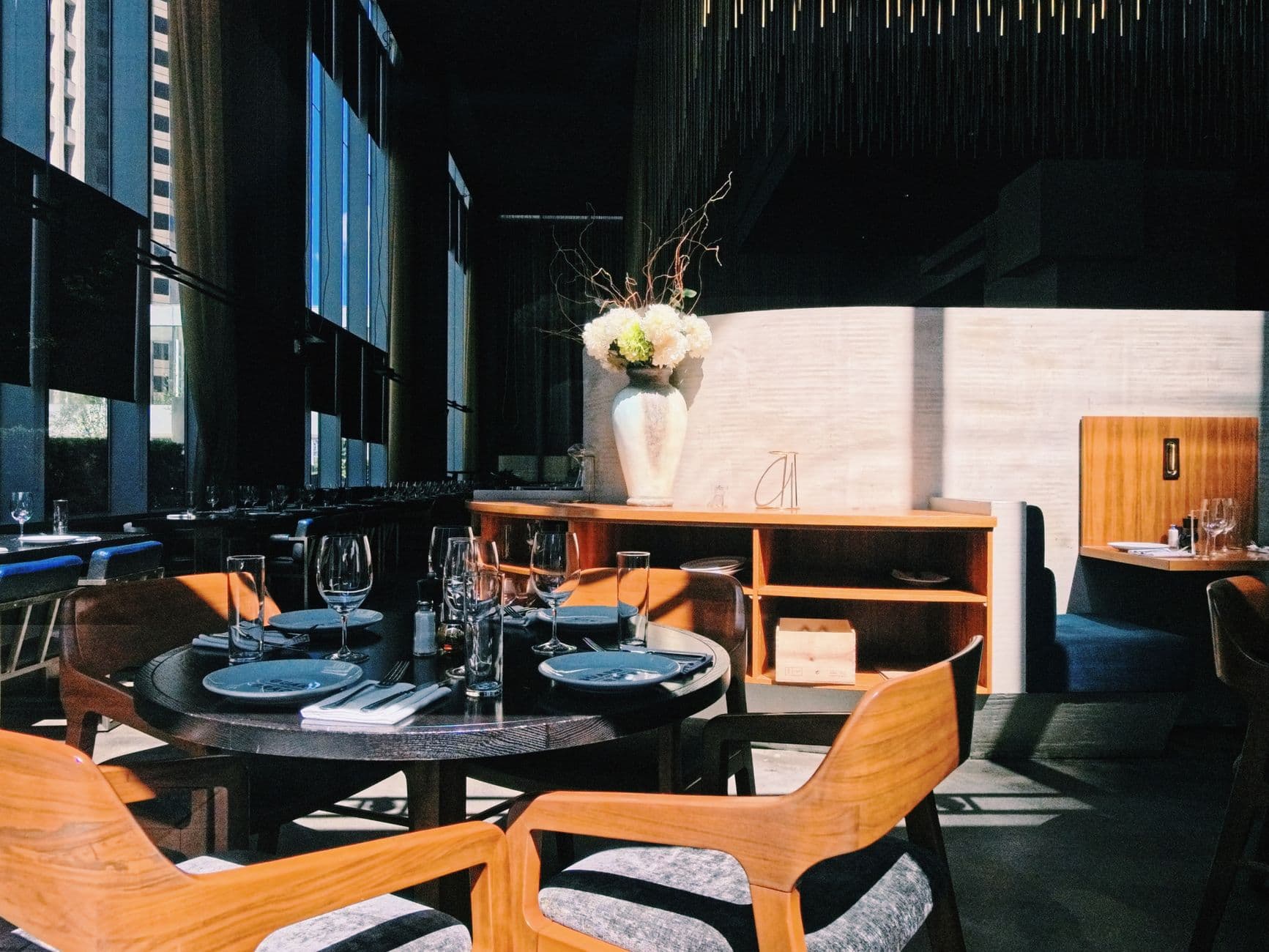
You type “A neighbourhood restaurant in Denver, small plates, menu changes weekly” - and Spanli assembles the site in front of you: opening, this week's menu, the room and the plates, enquiries. The changes receipt reads: Added: 4 sections - opening, this week's menu, the room and the plates, enquiries.
Sound familiar?
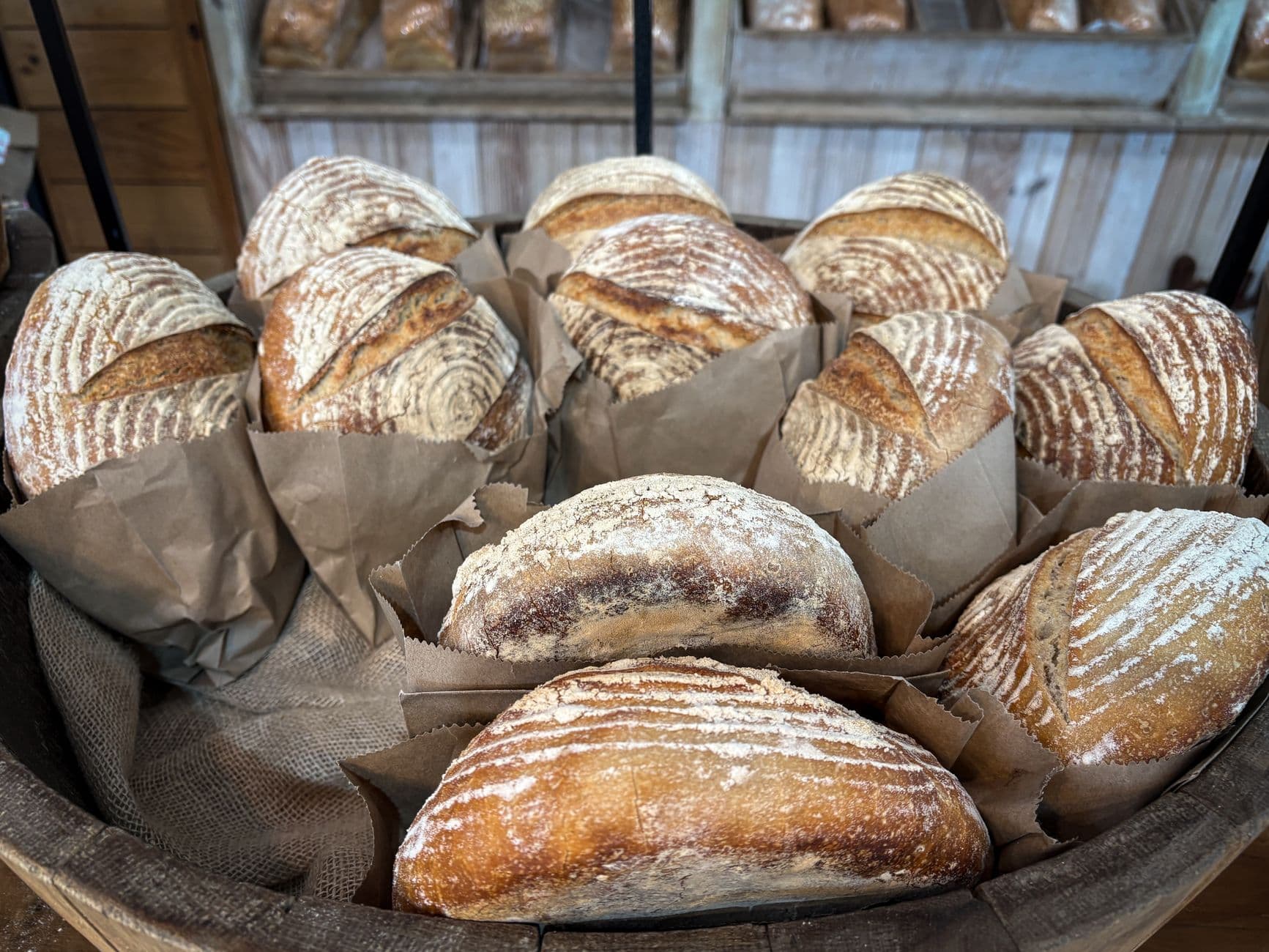
The menu on your website is a PDF, and the PDF has last spring's prices.
The phone rings at four to ask whether you're open on Sunday. The photo at the top is one a customer took in bad light two years ago. You know all of this. You also know service starts in an hour, and the person who built the site stopped answering emails in 2023.
How it works
What Spanli does about it
In the demo beside each claim: the half chicken, sage line being corrected - you click it, type “chicken is 26 this week”, and $28 becomes $26; then the site Spanli built; then new enquiry arriving in the Spanli inbox.
The menu is content, not a design job
Dishes, sections, prices. Each one a field you edit like filling in a form, then publish. No PDF to re-export, nobody to email, no "I'll do it next week."
The room and the plates, properly shown
Add your photos at the very first step with a note about each ("this is the terrace", "this is the lamb") and they land where they belong instead of in a folder. Short on photos? Spanli can pull in beautiful free stock ones while it builds, and swaps in yours whenever you add them.
Enquiries in one list
Private hire, big tables, "do you do gluten free". The form collects them into your dashboard rather than a voicemail nobody checks.
Everything on it
What your site includes
Hours that can actually change
Closed Mondays now? Late on Fridays? Holiday hours? Type it in chat in plain words, press Publish, and it's out there.
A seasonal menu is a sentence
"We're doing a Valentine's menu" typed into chat becomes a section on the site, and comes off again the same way.
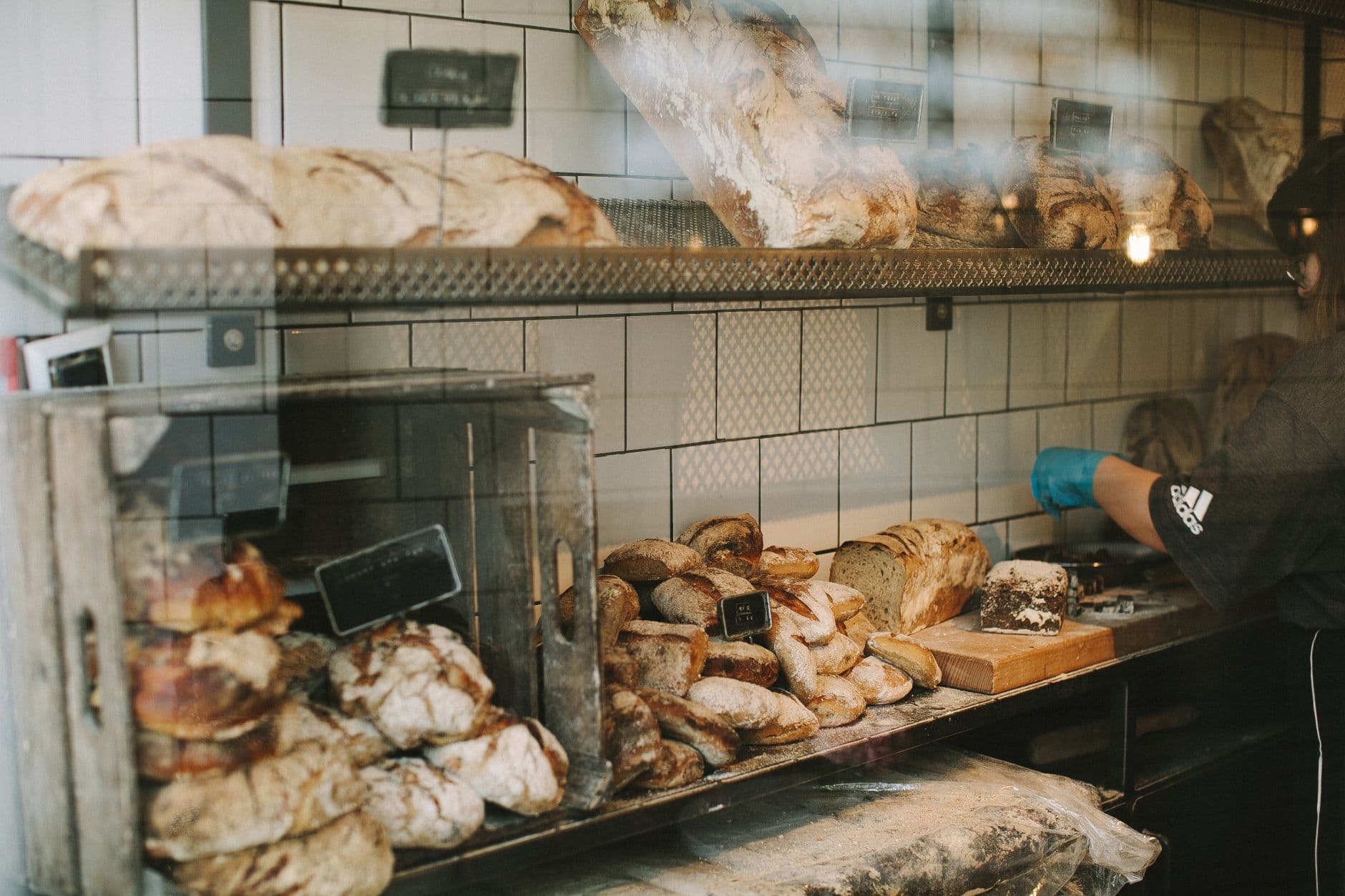
All of it arrives switched on; you take out what doesn't fit your place rather than building from an empty page
- A big opening shot
- Your menu in sections, with prices
- Photos of the room and the food
- What regulars say
- Where you are and when you're open
- An enquiry form for the questions that need a person
Two ways in
Start from what you already have
Describe door
Most restaurants use the describe door: a couple of sentences about the food and the room, your photos, done.
Modernize my site
Already have a site you're embarrassed by? "Modernize my site" reads what it says about you and rebuilds it as something current: your story, this decade's look. No evening to spare at all? "I feel lucky" decides everything and shows you every decision, each one changeable.
Make it yours
Before the first build, you set the look.
- Quietly exceptionalElegant & refined
- The story, up frontBold & editorial
- Take a breathSoft & calm
- Built for the nightSleek & dark
- An evening to rememberGlamorous & vintage
- The season, consideredFashion magazine
In case you're wondering.
How do I change a price?
Open the dashboard on your phone, tap the dish, change the number, publish. Under a minute, and nobody else has to be involved.
Can people book a table through the site?
No. Spanli doesn't run bookings, and pretending otherwise would break your service. The form takes enquiries (private hire, large groups, questions) into one list; your phone and whatever booking app you use stay exactly as they are.
Can customers order food for delivery?
No. Spanli builds the site that makes people want to come; ordering and delivery stay with whoever handles that for you now. What the site does is make sure the menu they're deciding from is the real one.
Our menu changes every week.
Then this is built for you. That's the reason the menu is editable content rather than a picture of a menu. Weekly changes take minutes and don't need a designer.
What does it cost?
Every new site starts with 80 free credits. Describe your site, watch it appear, and look at it as much as you like, with no card. Choose a plan when you want it online at your own address.
Ready to see your website?
Describe your business and watch it come to life. Start with 80 free credits - no credit card required.