Portfolio website
A portfolio that looks chosen, not templated
Describe your work in a couple of sentences and Spanli builds the site around it. Then set the look yourself: one live preview, every choice a dropdown you can see change.
You type “An illustrator in Lisbon - editorial work, book covers, and prints” - and Spanli assembles the site in front of you: opening, selected work, from the studio, commissions. The changes receipt reads: Added: 4 sections - opening, selected work, from the studio, commissions.
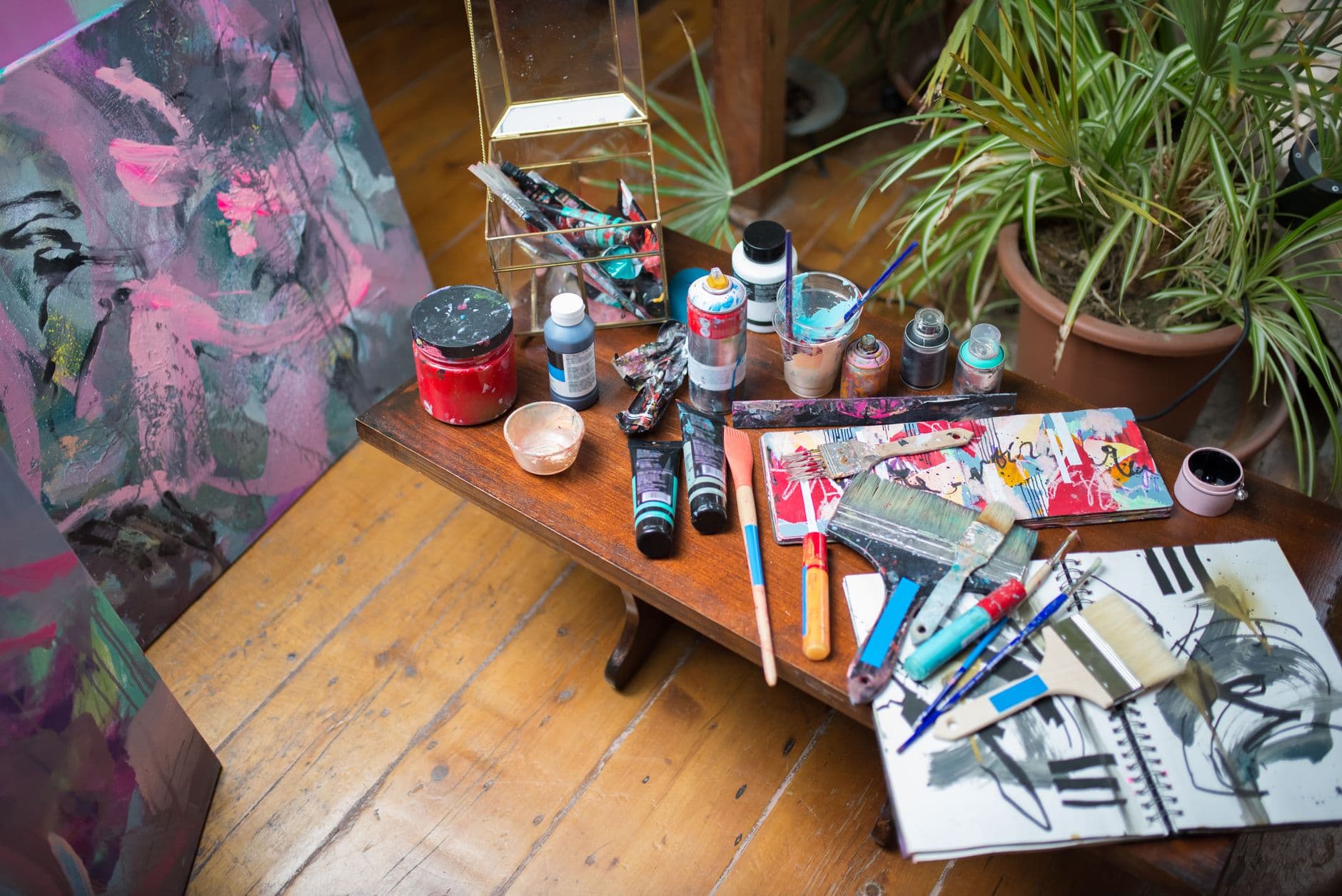
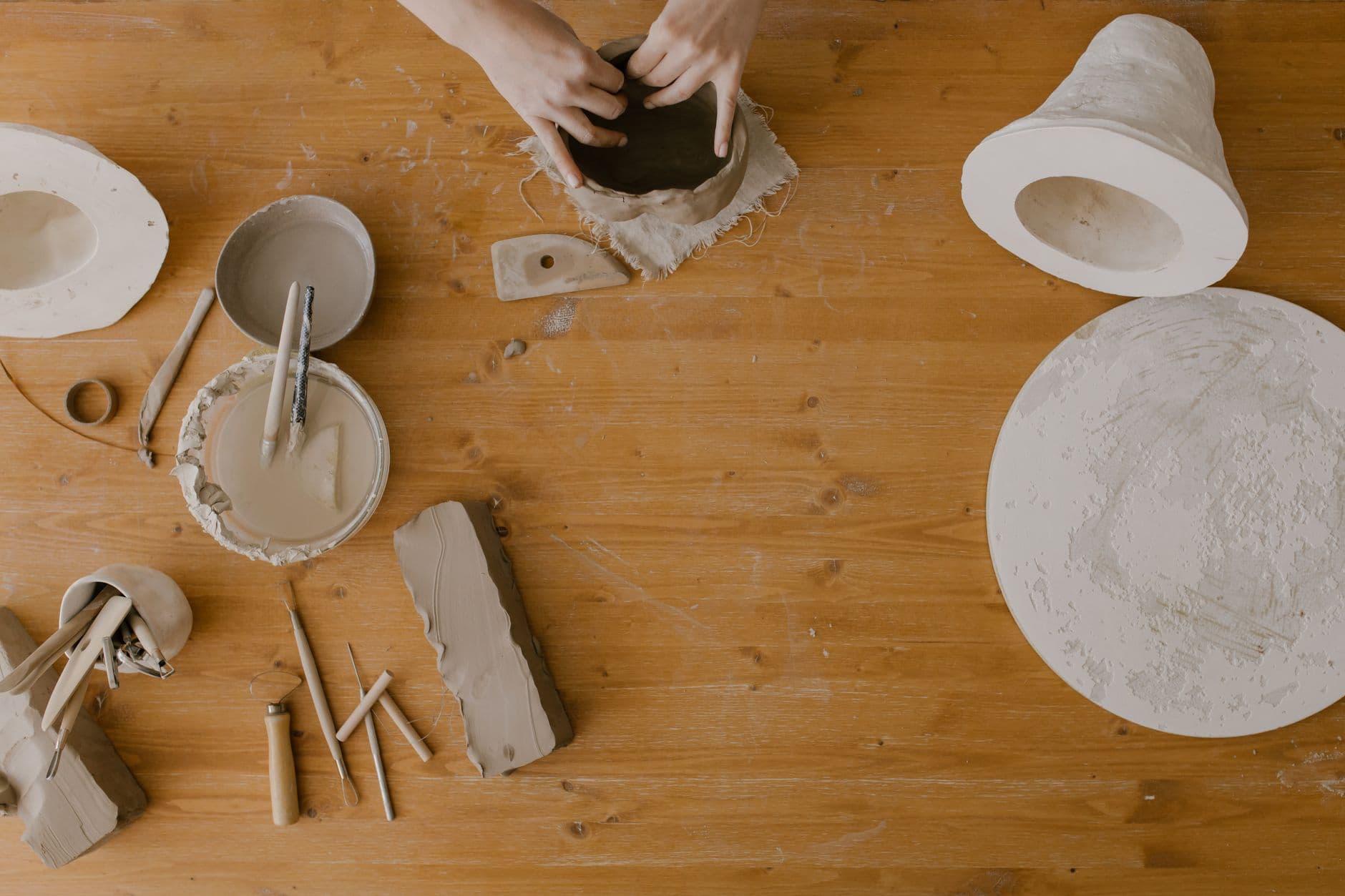
Sound familiar?
You have the work.
What you don't have is an evening to lose to a website. The template sites all look like the same template, the "pro" ones want you to learn a layout engine, and the one you built in 2019 is still up with three projects on it from a version of you that no longer exists.
How it works
What Spanli does about it
In the demo beside each claim: the print, a2 line being corrected - you click it, type “A2 prints are 95”, and €120 becomes €95; then the site Spanli built; then new enquiry arriving in the Spanli inbox.
Every design choice is a dropdown with a live preview
Look, colour, fonts, corners, spacing, background, movement. Change one and the page in front of you changes. Taste without tooling, and no template you have to bend.
"Make me something like this site."
Paste a site whose feel you admire and Spanli borrows the mood. Never its words, never its work.
New projects are a form, not a rebuild
Your portfolio is a list you add to: title, photos, description, publish. Routine updates never touch the design, never need chat, and never need you to remember how the site was made.
Everything on it
What your portfolio includes
Draft it before the world sees it
Work on a new case study privately and publish when it's ready.
Your own address
Search, buy and connect your domain inside Spanli. Your name, not a platform's profile page.
Pre-chosen, so you remove what you don't want rather than assemble from nothing. Checked at phone size before it's called done, which is where most people will open it
- A big opening
- Your work as a grid
- Client reviews
- A full work page with photo galleries
- Short bio, skills and your experience
- Social links
- A contact form that lands in your dashboard
Two ways in
Start from what you already have
Describe door
The describe door is two sentences plus your images, uploaded at the very first step with a note about each ("this one's the studio").
Modernize my site
Have a site already? "Modernize my site" rebuilds it from its address. Have a look in mind? "Make me something like this site." Rather not decide? "I feel lucky" picks everything and lists what it picked.
Make it yours
Before the first build, you set the look.
- Quietly exceptionalElegant & refined
- The story, up frontBold & editorial
- Take a breathSoft & calm
- Built for the nightSleek & dark
- An evening to rememberGlamorous & vintage
- The season, consideredFashion magazine
In case you're wondering.
Can I control how it looks, or does the AI decide?
Both, in that order. The AI builds a finished site; the design panel is yours (look, colour, fonts, spacing, corners, movement), with the preview updating as you choose. Anything the panel doesn't cover, you say out loud: click an element, type what should change.
How do I add a project later?
Fill in a form in your dashboard (title, images, description) and publish. No chat, no rebuild, nothing to break.
Can I use my own domain?
Yes. Search for it and buy it inside Spanli, or point one you already own at the site. Buying a name is open on every plan and it's registered to you either way; pointing it at the site comes with a paid plan, the same as putting the site online.
Is my work safe if I experiment?
Yes. Versions are kept as you go and restoring one is a click, so the 2am redesign is never a one-way door.
What does it cost?
Every new site starts with 80 free credits: describe your site, watch it appear, and look at it as much as you like, with no card. Choose a plan when you want it online at your own address.
Ready to see your website?
Describe your business and watch it come to life. Start with 80 free credits - no credit card required.