For small business
A website for your small business, built from a description
Say what your business does, who it's for and how to reach you. Spanli writes the words, builds the pages and puts a contact form on it that emails you. Nothing goes live until you say so.
You type “A family plumbing company in Tacoma, repairs and water heaters, same-day calls” - and Spanli assembles the site in front of you: opening, services and prices, recent jobs, request a visit. The changes receipt reads: Added: 4 sections - opening, services and prices, recent jobs, request a visit.

The product itself
This is the software, not a drawing of it
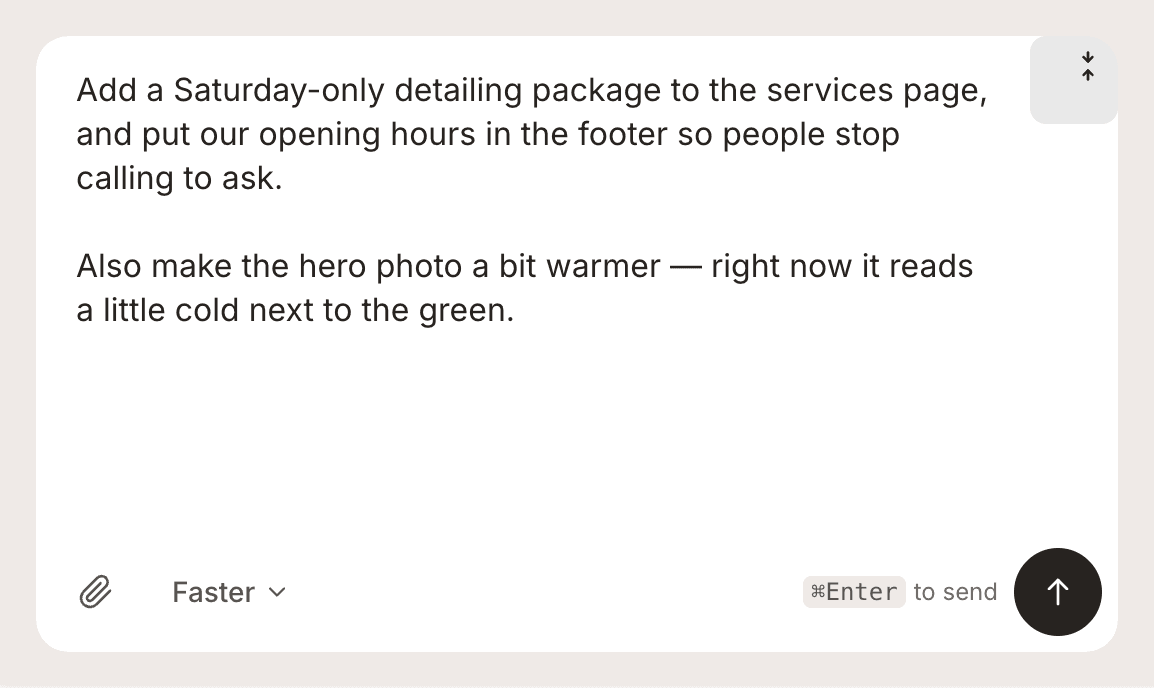
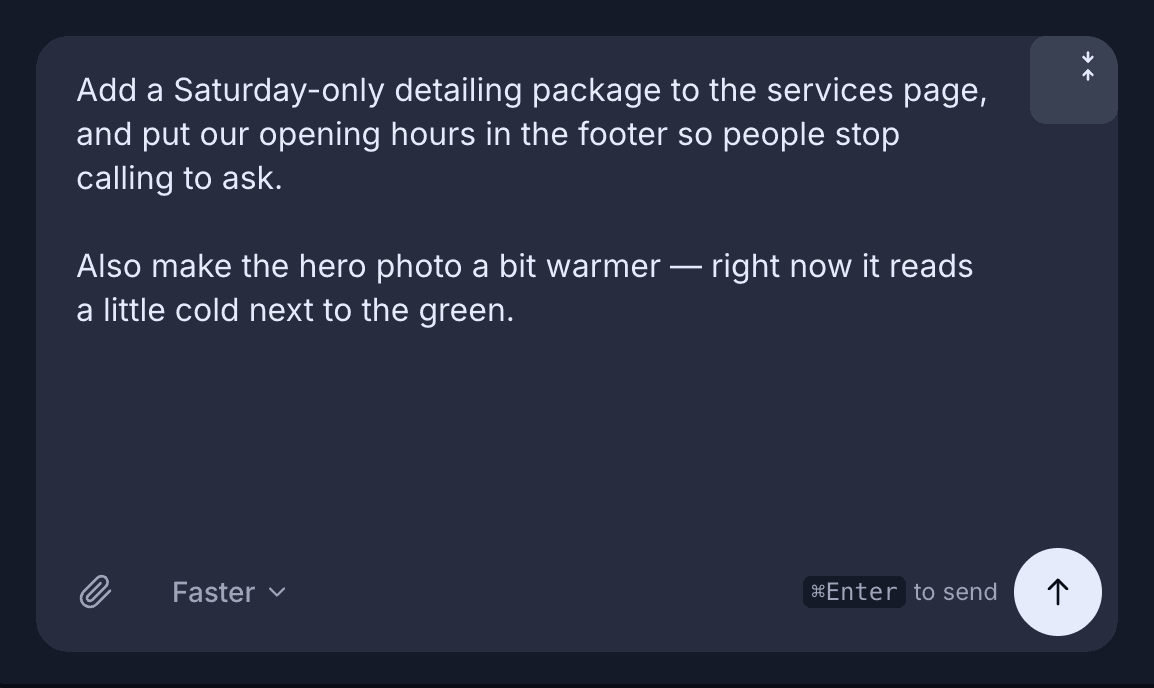
The chat is the editor
Type what to change. There is no separate editor to graduate into.
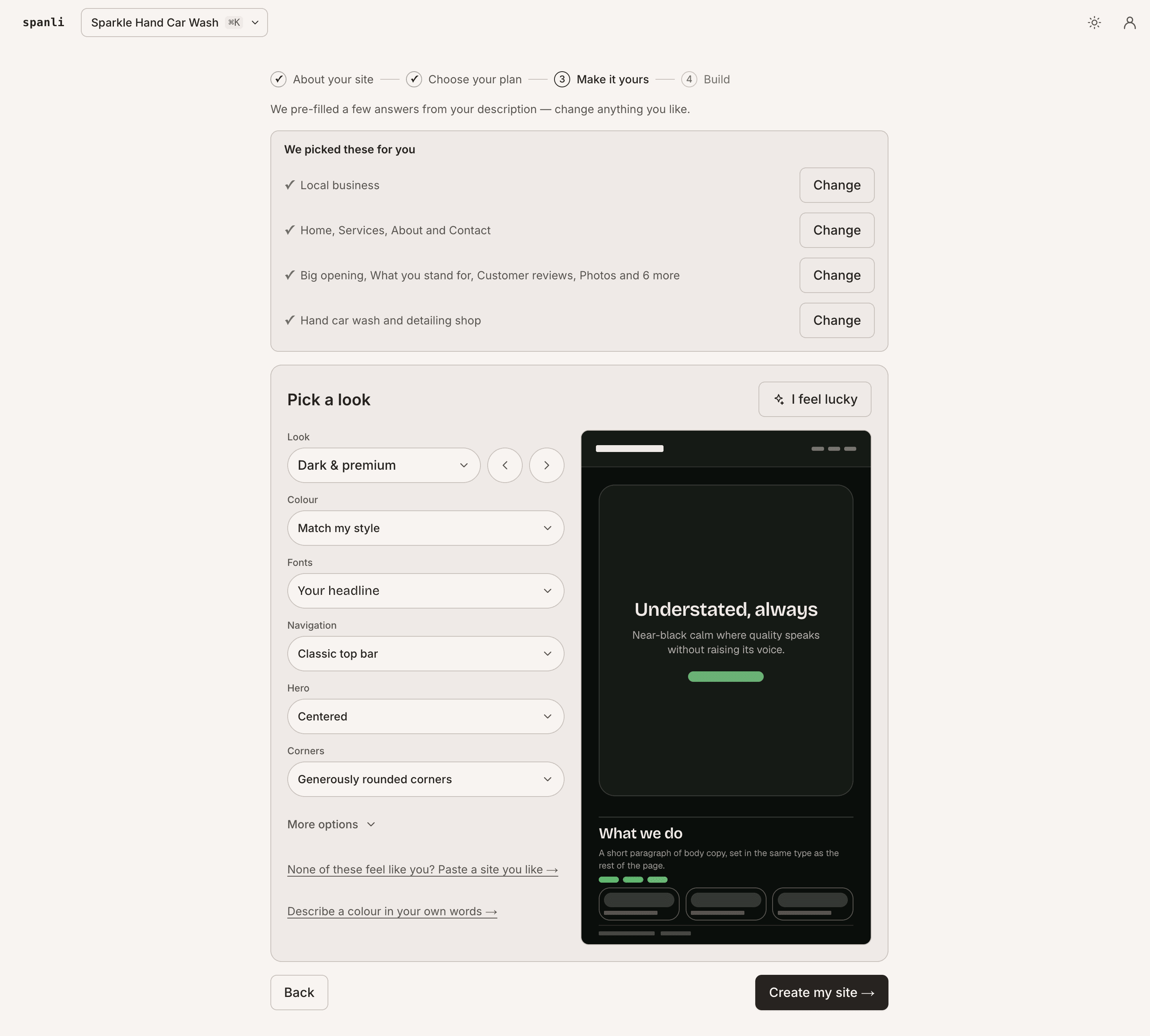
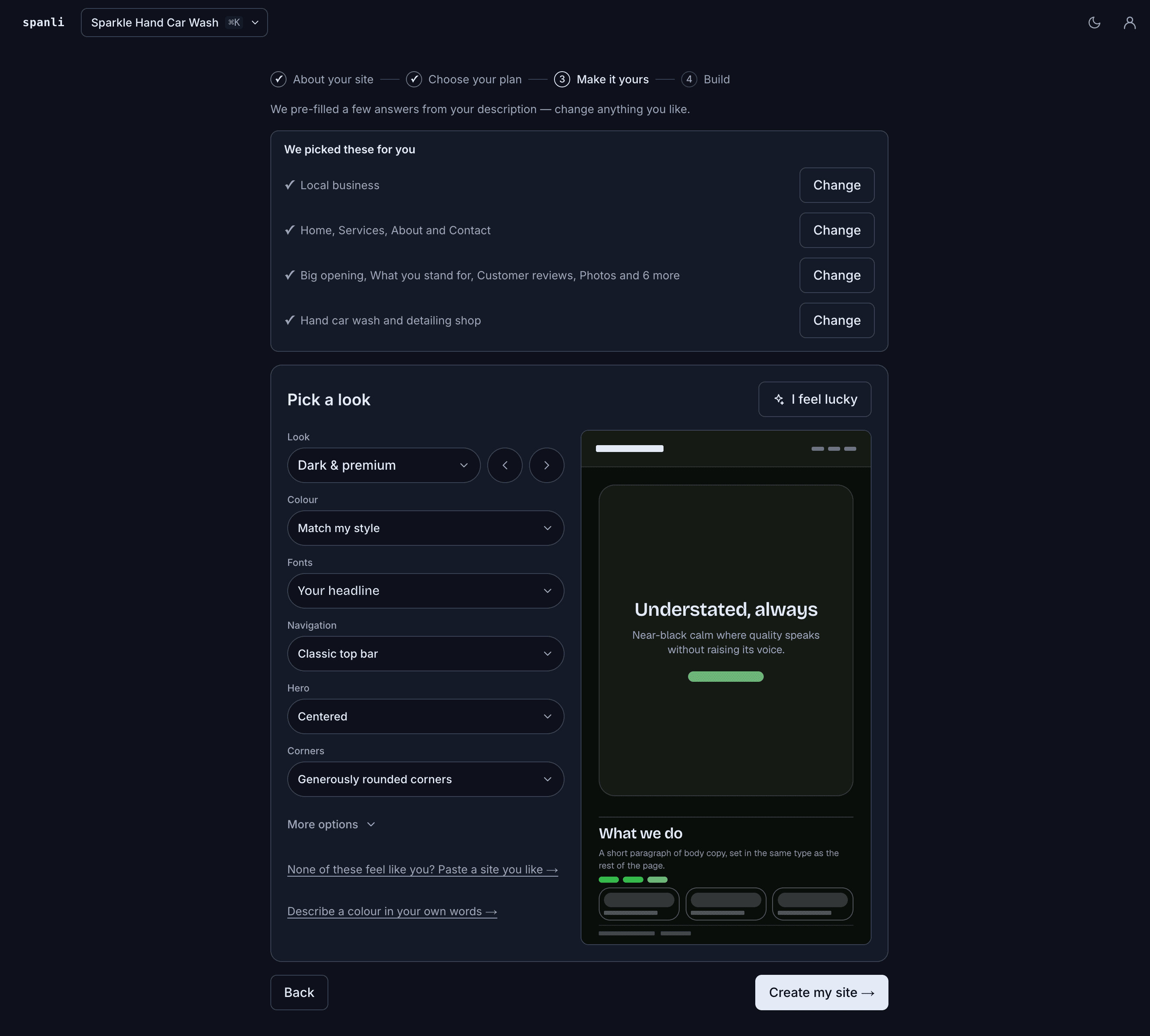
You set the look first
Colour, type, spacing and corners, previewed live before it builds.
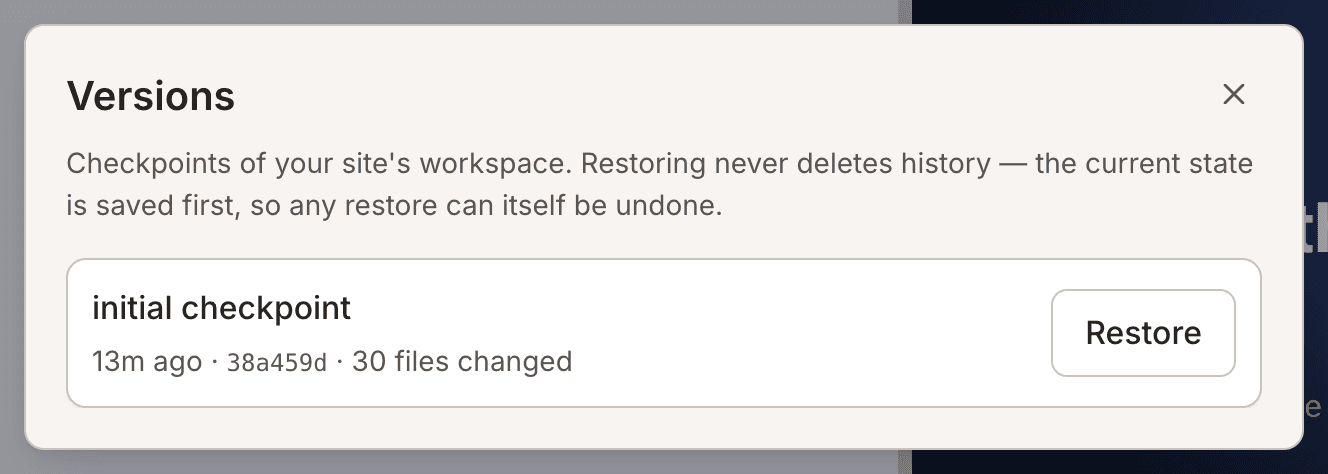
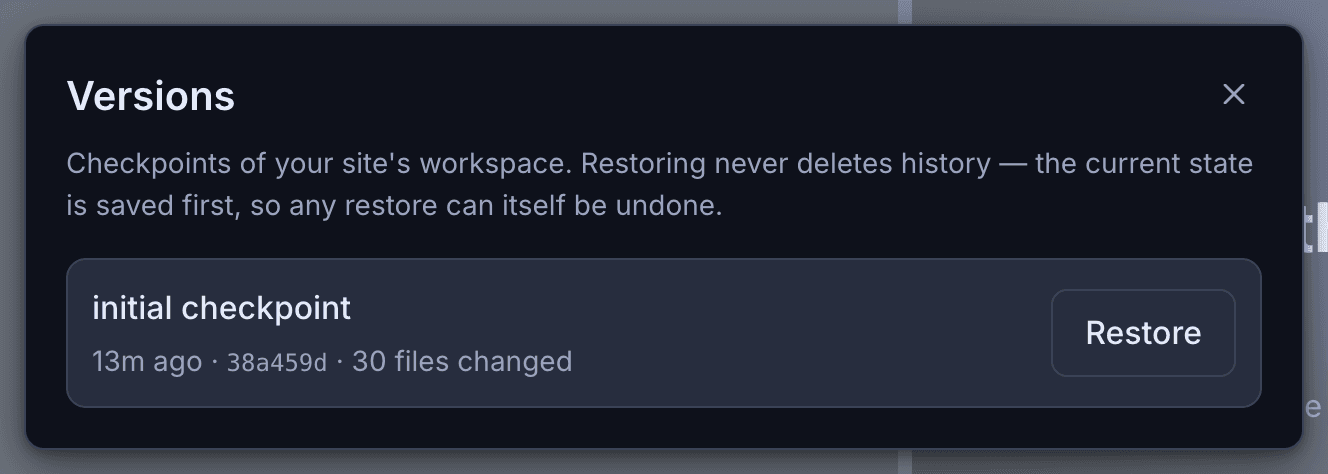
Every version is kept
Go back to how it was before a change, in one click.
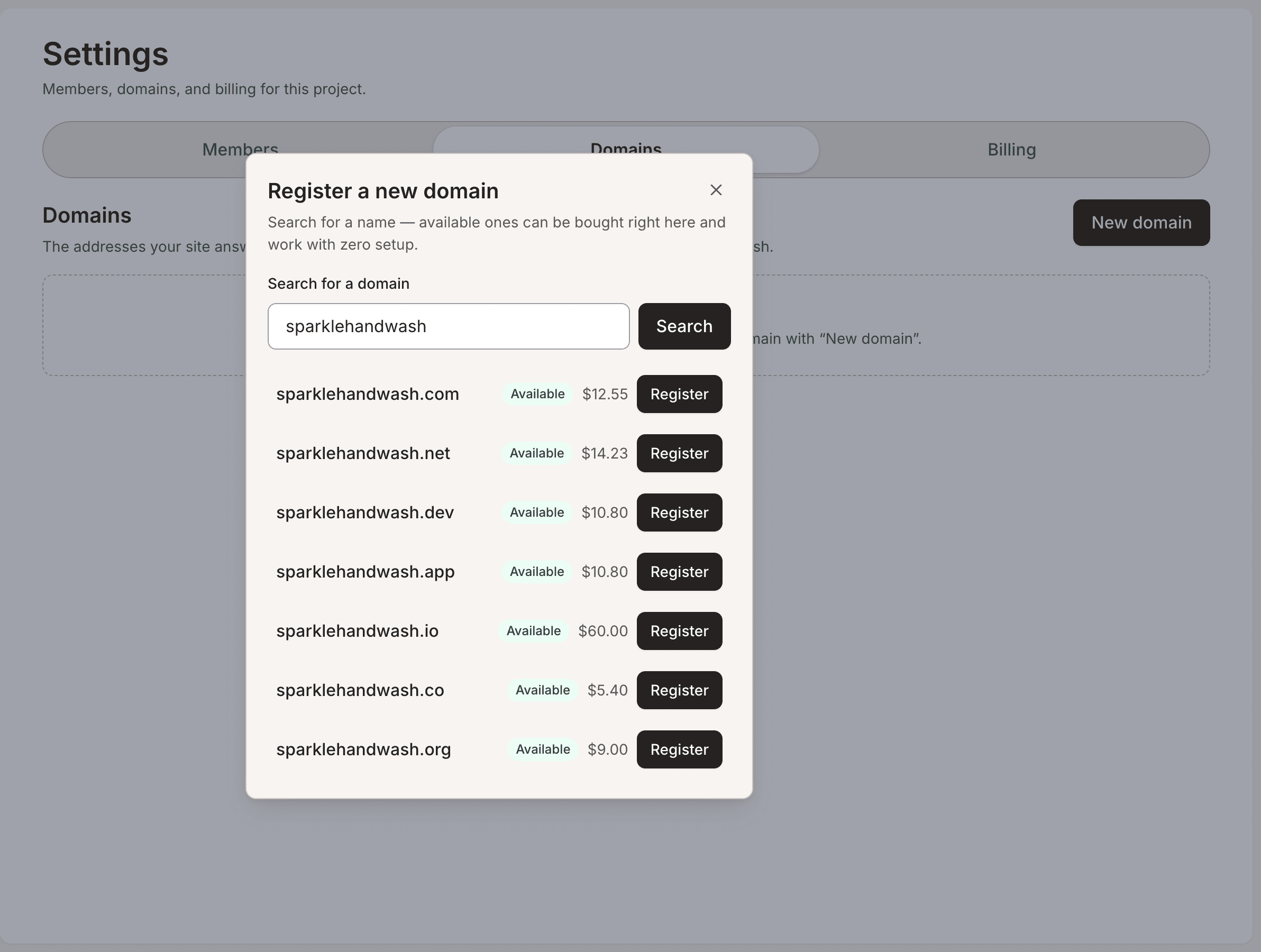
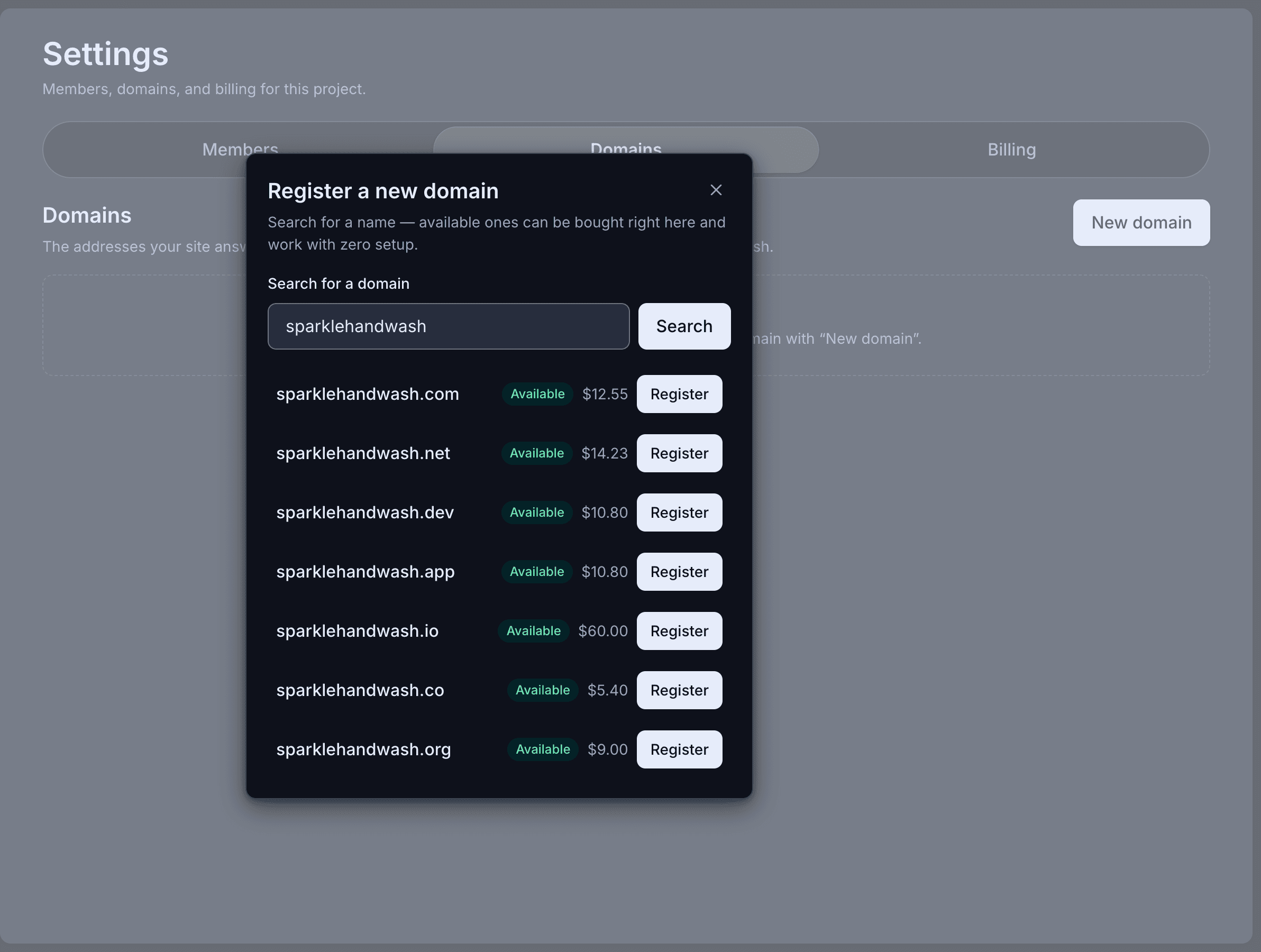
Your own address
Connect a domain you already own, or buy one here.
Sound familiar?
The business is real.
The website is a Facebook page, a Google listing and a promise you made yourself in January. Quotes from designers came back at four figures and six weeks; the builders you tried wanted an afternoon you don't have, and a page of grey boxes to drag around. So customers still find you through a friend, a card, or not at all.
How it works
What Spanli does about it
In the demo beside each claim: the site Spanli built; then the drain cleaning line being corrected - you click it, type “drain cleaning is 169 now”, and $189 becomes $169; then new visit request arriving in the Spanli inbox.
You describe, it builds
Tell it what your small business does (a plumbing company in Tacoma, a two-chair barbershop, a bookkeeping practice) and a finished draft appears while you watch: home page first, then the pages a business like yours needs.
The words are written for you
Services, about, hours, service area, how to get in touch. Every line is editable, and you change any of it by typing what you want changed.
A contact form that reaches you
Enquiries land in your inbox and in your Spanli dashboard, with spam protection built in. No plugins, nothing to configure.
Everything on it
What your business's site includes
Looks like a real business, not a template
Pick the feel from a live panel: colour, typeface, spacing, how much movement. It stays yours; nobody else's site is built from the same page.
Update it the way you'd tell an employee
"We're closed on Mondays now." "Add a page for the new service." Typed in the chat, done, and earlier versions are kept if you change your mind.
The customer-reviews section is there by default; take it out with one click if you'd rather not show any yet
- A clear opening that says what you do and where
- Your services, each with a plain explanation
- About the business and the people behind it
- Hours, service area and how to reach you
- A contact form that emails you
- Room for photos when you have them
Two ways in
Start from what you already have
Describe door
Most owners use the describe door: a few sentences about the business, in your own words.
Modernize my site
Your Google listing description or an old flyer works as a starting point. Already have a site that looks its age? "Modernize my site" rebuilds it from its address and keeps what you'd already got right.
Make it yours
Before the first build, you set the look.
- Quietly exceptionalElegant & refined
- The story, up frontBold & editorial
- Take a breathSoft & calm
- Built for the nightSleek & dark
- An evening to rememberGlamorous & vintage
- The season, consideredFashion magazine
In case you're wondering.
Is this a website builder I have to learn?
No. There is nothing to drag. You describe, look at the result, and ask for changes in plain words. Owners who want to edit a line by hand can, but nobody has to.
Can I sell products on it?
Spanli builds the informational business website: who you are, what you offer, how to reach you. It does not run a shop, a booking calendar or online payments. If your business needs a full online store, this is not the right tool.
Can I use my own domain?
Yes. Connect a domain you already own, or register one from inside Spanli. Until then your site lives on a free Spanli address.
What does it cost?
Every new site starts with 80 free credits. Describe your business, watch it appear, and look at it as much as you like, with no card. When you want it online at your own address, plans start at $9 a month, and paying yearly saves you two months. If you are new, your first month is $1 and then $9 a month.
What if I don't like it?
Ask for something different: a calmer look, a bolder one, other wording, another structure. Every version is kept, so nothing you liked is lost. And nothing goes live until you press Publish.
Ready to see your website?
Describe your business and watch it come to life. Start with 80 free credits - no credit card required.