What's inside
Point at it. Say what to change.
The hardest part of editing a website is explaining which bit you mean. In Spanli you don't explain. You click the thing in the live preview and type the change in your own words.
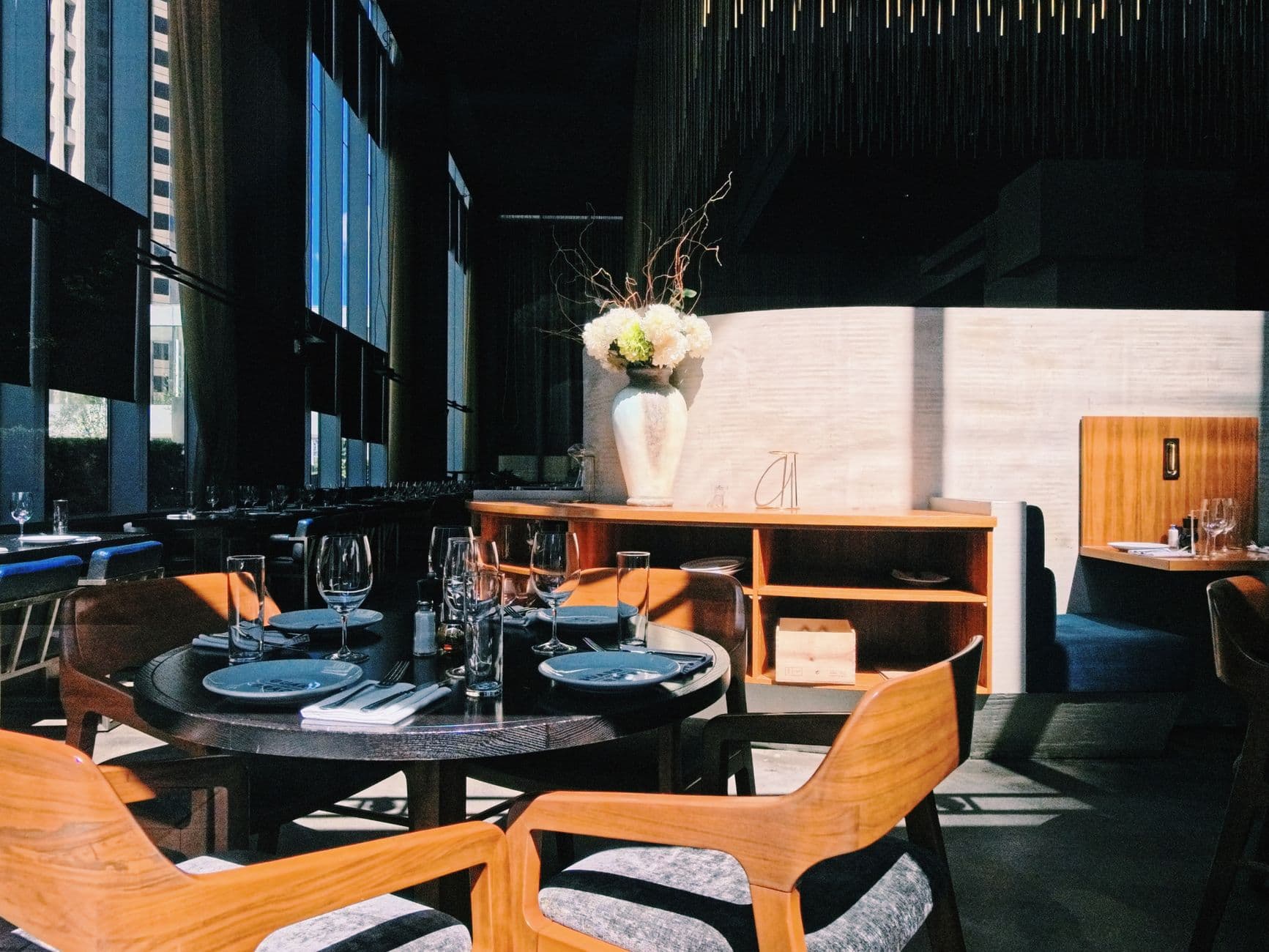
You type “A neighbourhood restaurant in Denver, small plates, menu changes weekly” - and Spanli assembles the site in front of you: opening, this week's menu, the room and the plates, enquiries. The changes receipt reads: Added: 4 sections - opening, this week's menu, the room and the plates, enquiries.
Sound familiar?
"The text under the second photo.
No, the other one. A bit lower. That one." Every website change starts with a paragraph of describing where, whether you're writing to a web person or fighting a builder's settings panels. The describing takes longer than the change.
Step by step
How it works
In the demo beside each claim: the site Spanli built; then the half chicken, sage line being corrected - you click it, type “chicken is 26 this week”, and $28 becomes $26; then new enquiry arriving in the Spanli inbox.
Your site is live in front of you
while you work. The real thing, not a diagram of it.
Click the part you want changed
The headline, a photo, a price, a button. Anything.
Type the change in plain words
"Make this bigger." "Wrong price. It's 15." "This photo, but the one of the counter."
Continued
Spanli sees exactly what you saw
: which element, and even the screen size you were looking at, so "it looks cramped on my phone" gets fixed on the phone layout you meant.
Watch it happen
in the same preview. Not right? Say so, or put it back. Every change can be undone from your site's history.
Who it's for
Everyone uses this daily, but it earns its keep for:
restaurant owners fixing a price from the till, hair salon owners updating hours from a phone, freelancers tightening a headline before sending the link, startup founders iterating a landing page at speed.
Make it yours
Before the first build, you set the look.
- Quietly exceptionalElegant & refined
- The story, up frontBold & editorial
- Take a breathSoft & calm
- Built for the nightSleek & dark
- An evening to rememberGlamorous & vintage
- The season, consideredFashion magazine
In case you're wondering.
Do I need to know what the parts of a website are called?
No. That's the point. You never name an element; you click it. If you can point at it, you can change it.
What if I want bigger changes than one element?
Just say them in the same chat: "add a section about gift cards", "make the whole thing warmer". Pointing is for precision; the conversation handles everything else.
What if it changes the wrong thing?
Say so and it fixes it. And your site keeps a history, so any version can be brought back with one click.
Does it work on a phone?
Yes. The preview, the pointing, and the typing all work from a phone. Most small edits happen exactly there.
Ready to see your website?
Describe your business and watch it come to life. Start with 80 free credits - no credit card required.