What's inside
Try anything. You can put it back.
Every time your site changes, that state is kept. Ask for the old one back and you pick it from a list. One click, site restored. No backups to remember, nothing to set up.
You type “Our wedding in Ghent on the 14th of September - schedule, directions and RSVPs” - and Spanli assembles the site in front of you: opening, the day, the venue, rsvp. The changes receipt reads: Added: 4 sections - opening, the day, the venue, rsvp.
Sound familiar?
The site's fine.
Not great. Fine. And you leave it alone for two years, because the version you have works and the version you might end up with after "just trying something" might not, and there'd be no way back. Fear of breaking it is the reason most sites never improve.
Step by step
How it works
In the demo beside each claim: the dancing line being corrected - you click it, type “put last night's timings back”, and 9:00 pm becomes 8:30 pm; then the site Spanli built; then new rsvp arriving in the Spanli inbox.
Versions save themselves
Every round of changes leaves a saved version behind. There's no button to remember and nothing to name.
Change your mind out loud
Ask in chat: "put it back the way it was this morning". You get a short list of your recent versions to choose from.
Pick one and the site returns to it
One click, no consequences, and you can go forward again after.
Continued
The public doesn't see the experiments
Your live site only changes when you publish it, so an afternoon of trying things never reaches your visitors.
Going back doesn't cost you anything else
Enquiries people sent you, and the content you typed into your forms, aren't part of a version. Restoring an older look never wipes them.
Who it's for
Anyone with a deadline or a live audience:
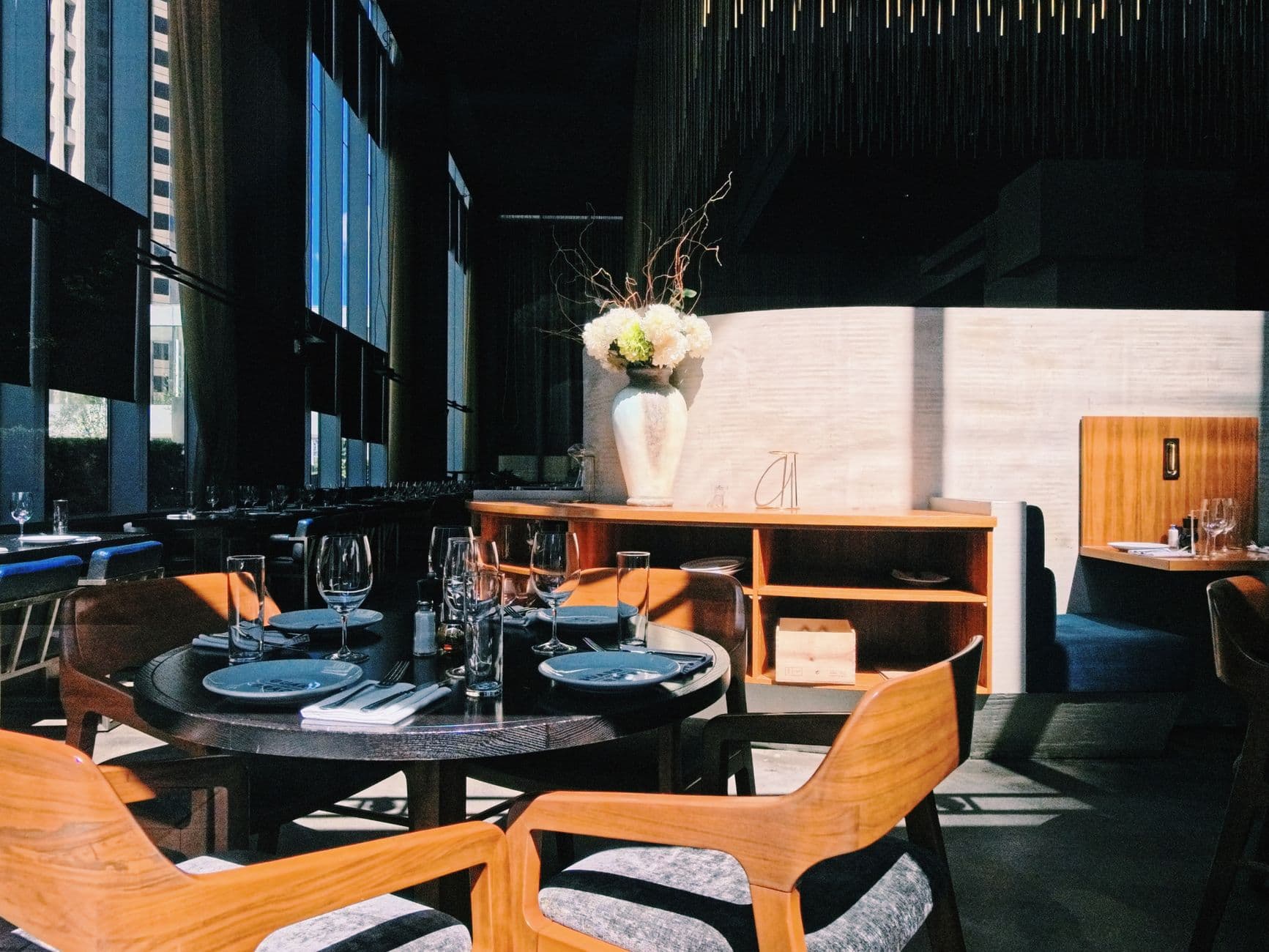
wedding hosts trying one more layout the night before, startup founders reworking a landing page between launches, nonprofit volunteers learning the site without the risk of being the one who broke it, restaurant owners running a seasonal look they'll want gone in March.
Make it yours
Before the first build, you set the look.
- Quietly exceptionalElegant & refined
- The story, up frontBold & editorial
- Take a breathSoft & calm
- Built for the nightSleek & dark
- An evening to rememberGlamorous & vintage
- The season, consideredFashion magazine
In case you're wondering.
Is this the same as undo?
Close, but it works on the whole site rather than each word. It's built for "that round of changes was worse, put it back", not for un-typing a sentence. For small mistakes it's usually faster to just say what was wrong and have it fixed.
Do I have to remember to save a version?
No. They're made for you as the site changes. The first time most people notice versions exist is the day they need one.
Will restoring an old version lose my enquiries or my content?
No. Form submissions and the content you edit through forms sit outside your site's version history. Restoring the site's look and words leaves them alone.
Does my live site change while I'm experimenting?
No. What visitors see stays exactly as it was until you publish.
How far back can I go?
It's a list of your recent versions: enough for "yesterday was better", not an archive of every day since you started.
Ready to see your website?
Describe your business and watch it come to life. Start with 80 free credits - no credit card required.