What's inside
Change the look. See it change.
One big live preview of your site, and a short row of plain dropdowns beside it. Change the colour and the site changes while you're looking at it. No design words, no guessing, no "save and see".
You type “A portrait and editorial photographer in Antwerp - shoots, prints and commissions” - and Spanli assembles the site in front of you: opening, recent shoots, selected frames, commissions. The changes receipt reads: Added: 4 sections - opening, recent shoots, selected frames, commissions.
Sound familiar?
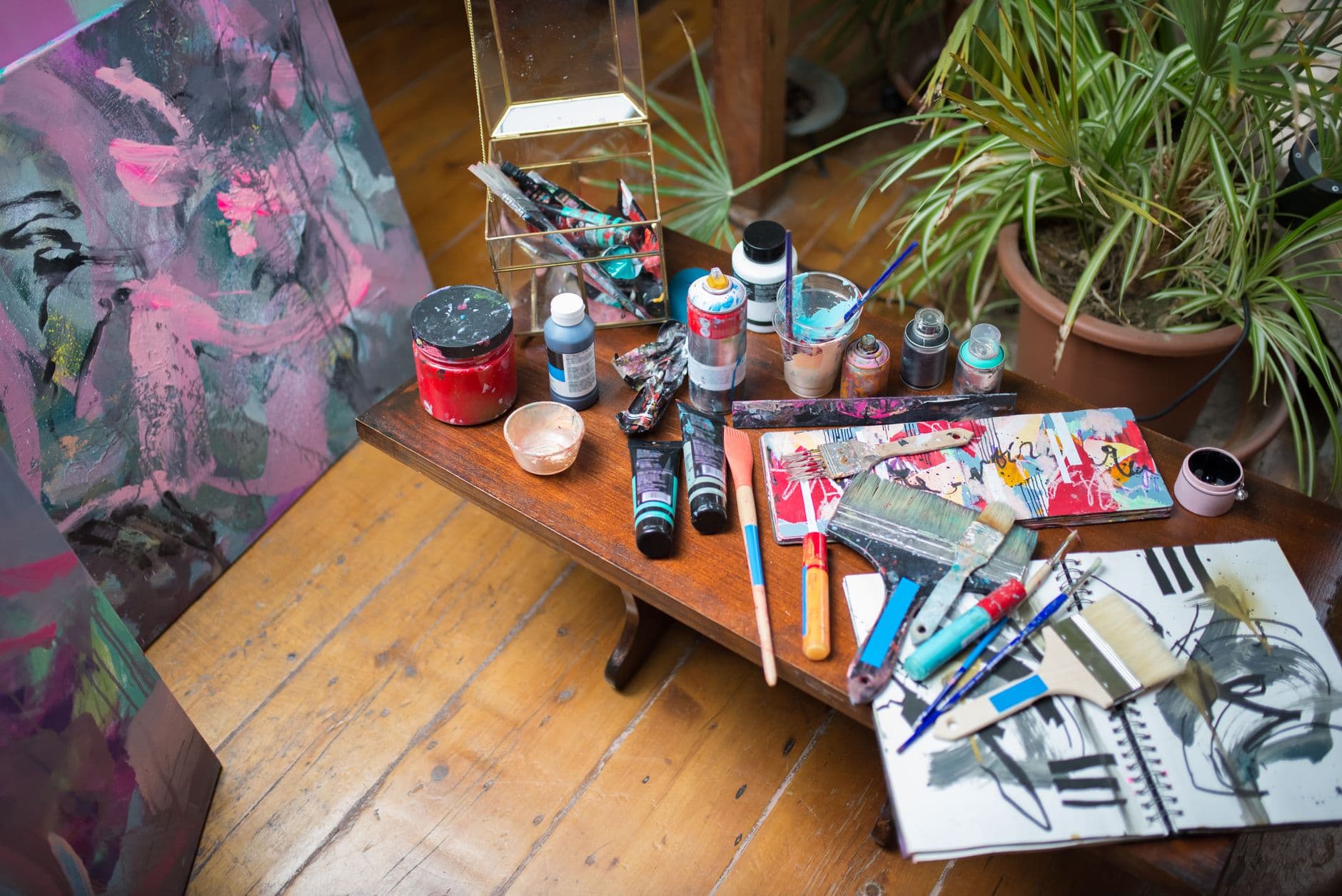
Every builder hands you a colour wheel and a font list and quietly expects you to be a designer.
You pick a blue. It fights the photos. You can't say why. Forty minutes later you're browsing templates again, looking for one where somebody else already made the choices.
Step by step
How it works
In the demo beside each claim: the site Spanli built; then new enquiry arriving in the Spanli inbox; then the kunstmuseum - season campaign line being corrected - you click it, type “the museum shoot was this year”, and 2025 becomes 2026.
Start with a Look
One pick: the colours, fonts, corners and spacing all move together into something that already goes together. That's the shortcut past forty small decisions.
Then turn one dial at a time
The colours. The fonts. How the menu sits. How the top of the page opens. Rounded corners or square. Roomy or tight. The background. How much things move.
Every change shows immediately
in the preview beside you. The real page, not a swatch. If it's wrong, you know in a second and you change it back in a second.
Continued
What you choose by hand stays chosen
Try a different Look afterwards and the rest re-settles around it, but the picks you made deliberately survive.
No opinion today? "I feel lucky."
Hand the whole look to the AI. You still land on a finished site with every decision visible and changeable. Nothing is locked in.
Or borrow a feel you already love
Paste the address of a site whose look you admire and Spanli takes the mood. Never its words, never its pictures.

Who it's for
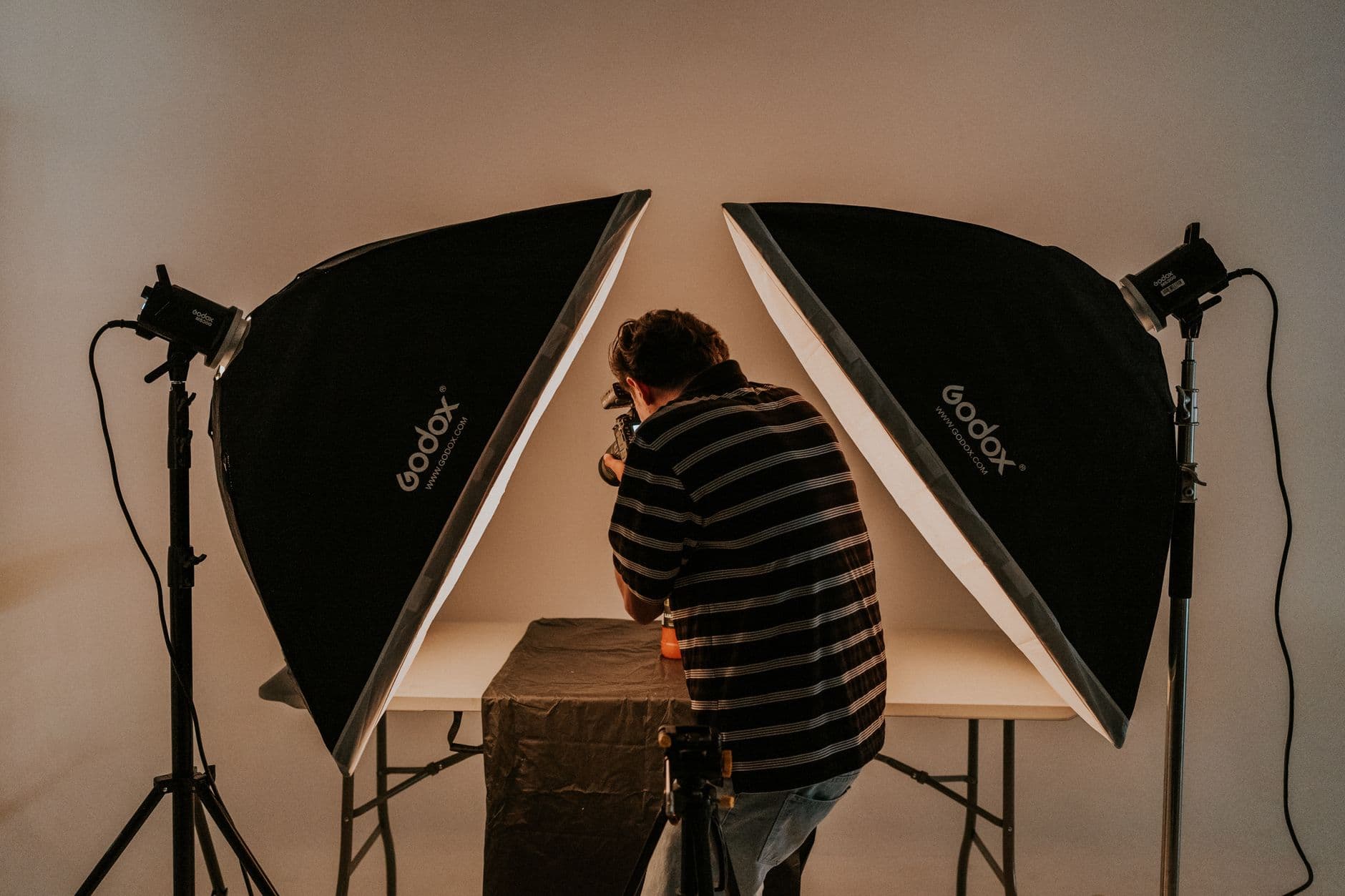
People whose work is judged on how it looks:
photographers and designer artists who have taste but no patience for tooling, freelancers who need to look established by Friday, and wedding sites where the feel is the point.
Make it yours
Before the first build, you set the look.
- Quietly exceptionalElegant & refined
- The story, up frontBold & editorial
- Take a breathSoft & calm
- Built for the nightSleek & dark
- An evening to rememberGlamorous & vintage
- The season, consideredFashion magazine
In case you're wondering.
Do I need to know design words?
No. Every dial is a plain choice with a picture of the result. You're picking what you like the look of, not naming a technique.
Can I change the look after the site is built?
Yes. Ask in chat ("make the whole thing warmer", "less rounded") and it changes. The dials are the fast way to start, not a one-time door.
Can I get my exact brand colours?
Pick the closest option, or describe the colour you want in your own words. Once the site exists, ask in chat for an exact shade and it'll be used throughout.
What if I make it worse?
The preview tells you before anyone else sees it, and once your site is live, your visitors only ever see what you've published, not what you're playing with.
Will it look right on a phone?
Yes. Every build is checked at phone size (and against accessibility rules) before Spanli calls it done.
Ready to see your website?
Describe your business and watch it come to life. Start with 80 free credits - no credit card required.